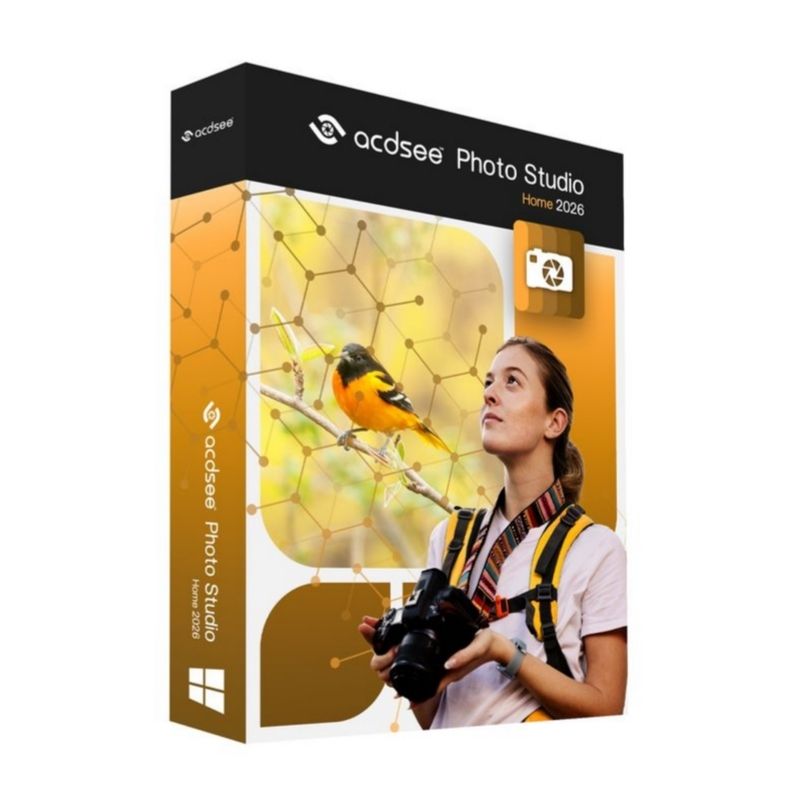
ACDSee Photo Studio Home 2026 provides a complete solution for photographers and home users who need efficient photo organization combined with advanced editing tools. It allows you to import, manage, sort, and search your photo library quickly using powerful metadata and tagging features.
The 2026 edition includes non-destructive editing tools, AI-powered enhancements, layered editing capabilities, and performance improvements for faster browsing and processing. Whether you’re adjusting exposure, correcting colors, removing blemishes, or organizing thousands of images, ACDSee Photo Studio Home 2026 delivers professional-quality results without a subscription requirement.
Key Features & Benefits:
Advanced Photo Management – Organize images using keywords, ratings, categories, and metadata.
Non-Destructive Editing – Make adjustments without altering the original file.
AI-Powered Tools – Automatic subject selection and intelligent image enhancements.
RAW File Support – Edit high-resolution RAW images with precision.
Layered Editing – Apply adjustments, text, and effects using layers.
Color & Exposure Controls – Fine-tune brightness, contrast, white balance, and tone curves.
Batch Processing – Edit multiple photos simultaneously to save time.
One-Time Purchase – No recurring subscription required.
ACDSee Photo Studio Home 2026 is ideal for home users and photography enthusiasts who want powerful organization and editing tools in one streamlined application.
Installation and Activation
Installation Steps:
Purchase the software and receive activation details via email.
Download the installer from the official ACDSee website.
Run the setup file and follow the installation wizard.
Enter your license key to activate the software.
Activation Notes:
Requires a valid product license key.
Internet connection required for activation.
License typically valid for one PC unless otherwise specified.
💡 Activation instructions are delivered immediately after purchase.
System Requirements
Operating System: Windows 10 / 11 (64-bit)
Processor: Intel or AMD multi-core processor
RAM: 4 GB minimum (8 GB recommended)
Storage: 2 GB available disk space
Display: 1024 x 768 resolution (1920 x 1080 recommended)
Internet: Required for activation and updates
💡 SSD storage is recommended for improved performance when working with large photo libraries.
ACDSee Photo Studio Home 2026 provides a complete solution for photographers and home users who need efficient photo organization combined with advanced editing tools. It allows you to import, manage, sort, and search your photo library quickly using powerful metadata and tagging features.
The 2026 edition includes non-destructive editing tools, AI-powered enhancements, layered editing capabilities, and performance improvements for faster browsing and processing. Whether you’re adjusting exposure, correcting colors, removing blemishes, or organizing thousands of images, ACDSee Photo Studio Home 2026 delivers professional-quality results without a subscription requirement.
Key Features & Benefits:
Advanced Photo Management – Organize images using keywords, ratings, categories, and metadata.
Non-Destructive Editing – Make adjustments without altering the original file.
AI-Powered Tools – Automatic subject selection and intelligent image enhancements.
RAW File Support – Edit high-resolution RAW images with precision.
Layered Editing – Apply adjustments, text, and effects using layers.
Color & Exposure Controls – Fine-tune brightness, contrast, white balance, and tone curves.
Batch Processing – Edit multiple photos simultaneously to save time.
One-Time Purchase – No recurring subscription required.
ACDSee Photo Studio Home 2026 is ideal for home users and photography enthusiasts who want powerful organization and editing tools in one streamlined application.
Installation Steps:
Purchase the software and receive activation details via email.
Download the installer from the official ACDSee website.
Run the setup file and follow the installation wizard.
Enter your license key to activate the software.
Activation Notes:
Requires a valid product license key.
Internet connection required for activation.
License typically valid for one PC unless otherwise specified.
💡 Activation instructions are delivered immediately after purchase.
Operating System: Windows 10 / 11 (64-bit)
Processor: Intel or AMD multi-core processor
RAM: 4 GB minimum (8 GB recommended)
Storage: 2 GB available disk space
Display: 1024 x 768 resolution (1920 x 1080 recommended)
Internet: Required for activation and updates
💡 SSD storage is recommended for improved performance when working with large photo libraries.