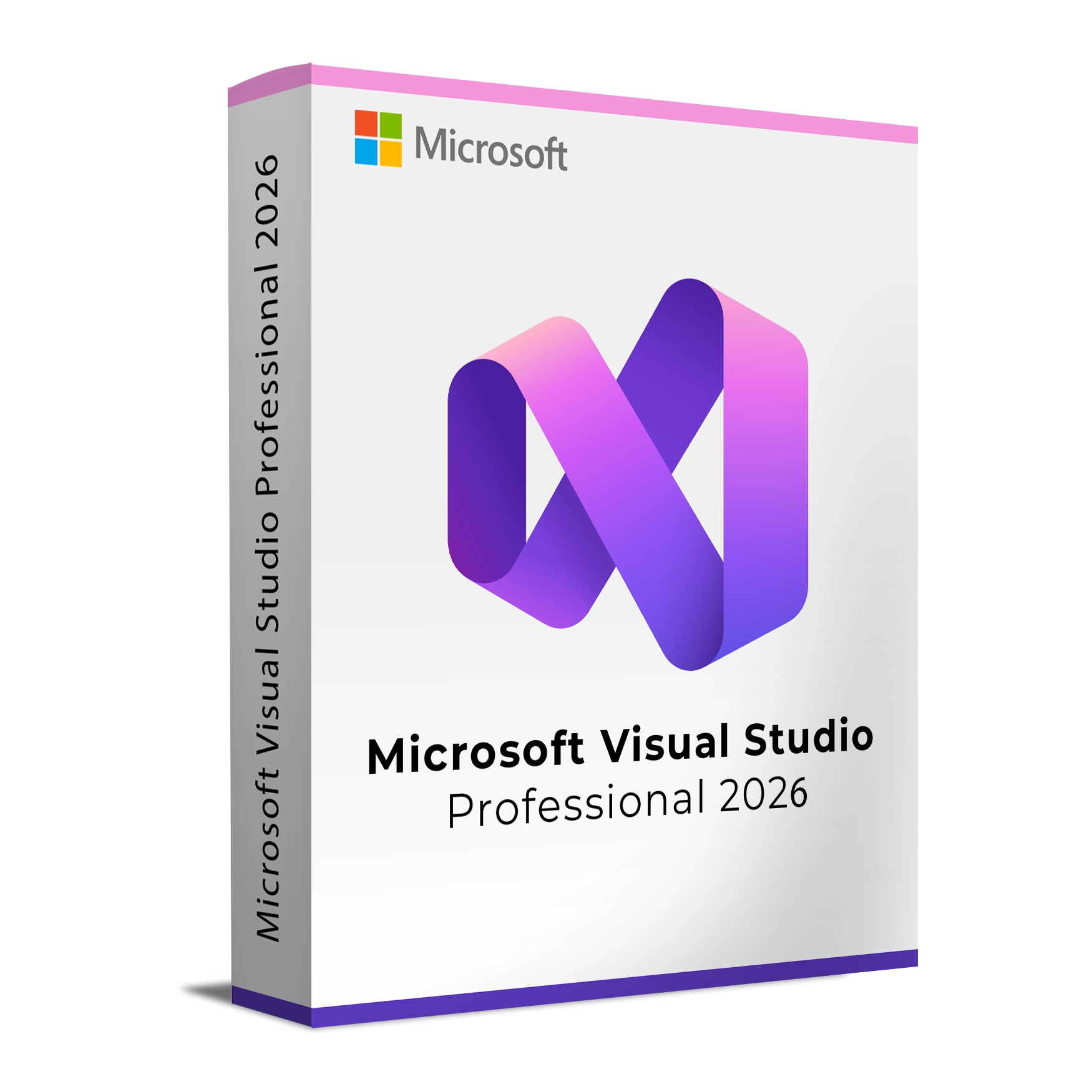
Microsoft Visual Studio Professional 2026
Microsoft Visual Studio Professional 2026 is an integrated development environment (IDE) for individual professional developers and small teams. It combines CodeLens insights, code sharing and debugging with development tools for multiple application targets.
What you get
- Standalone Visual Studio Professional 2026 IDE
- Perpetual licence for this version, activated by product key
- Digital delivery of licence and order information after successful processing
- Customer support for product, installation and activation enquiries
- Official download and installation guidance where applicable
Note: This offer is for the standalone IDE. Subscription benefits are not included.
Key capabilities
- Debugging: Tools for professional development workflows.
- CodeLens insights: See code references and change information directly in the editor.
- Multi-target development: Tools to build applications for a range of platforms and workloads.
- Code sharing: Capabilities for professional developers and small teams.
Who is it for?
Professional developers, freelancers and small teams who need the Visual Studio Professional 2026 IDE without subscription benefits.
Compatibility and requirements
These are the requirements for the computer that runs the IDE (they are not deployment targets for your apps):
Supported operating systems (64-bit)
- Supported Windows 11 editions (64-bit, including ARM64): Home and Pro, including their Education and workstation variants, plus Enterprise and Education.
- Windows Server: Standard and Datacenter 2025, 2022, 2019
Not supported as hosts: Windows Enterprise IoT and Windows Enterprise LTSC. ARM64 workloads have restrictions. Your Windows host must also be within its supported lifecycle.
Hardware
- Processor: ARM64 or AMD64/x64; quad‑core or better recommended
- Memory: Minimum 4 GB; 16 GB recommended for typical professional solutions
- Storage: Approximately 2.5 GB to 210 GB depending on components; typical installs use 20–50 GB; SSD recommended
- Display: Minimum 1366 × 768; 1920 × 1080 or higher recommended
- Permissions: Administrator rights required for installation and updates
Licensing and activation
- Licence type: Standalone Microsoft Visual Studio Professional 2026 IDE / product key
- Licence term: Perpetual licence for Visual Studio Professional 2026
- Activation: Activate using the included product key
Installation
After purchase, you will receive your product key and order details digitally. Official download and installation guidance is available where applicable. Install on a supported Windows host and activate using your product key.
Why buy Visual Studio Professional 2026 from Keys Experts?
- Digital delivery after successful order processing
- Customer support for product, installation and activation enquiries
- Official download and setup guidance where applicable
- 30-Day Refund Policy in line with our published Refunds & Returns Policy
- Secure checkout
Frequently asked questions
Is this a Visual Studio subscription?
No. This offer is for the standalone Visual Studio Professional 2026 IDE with a perpetual licence.
Does the licence include future Visual Studio versions?
No. The perpetual licence applies to Visual Studio Professional 2026 and does not include future Visual Studio versions.
How is Visual Studio Professional 2026 activated?
Activation is by the included product key.
Which operating systems are supported?
Supported hosts are supported 64-bit Windows 11 Home, Pro, Pro Education, Pro for Workstations, Enterprise and Education editions, including ARM64, and Windows Server Standard or Datacenter 2019, 2022 and 2025. Windows Enterprise IoT and Windows Enterprise LTSC are unsupported hosts. ARM64 workload restrictions and the host operating system’s support lifecycle apply.