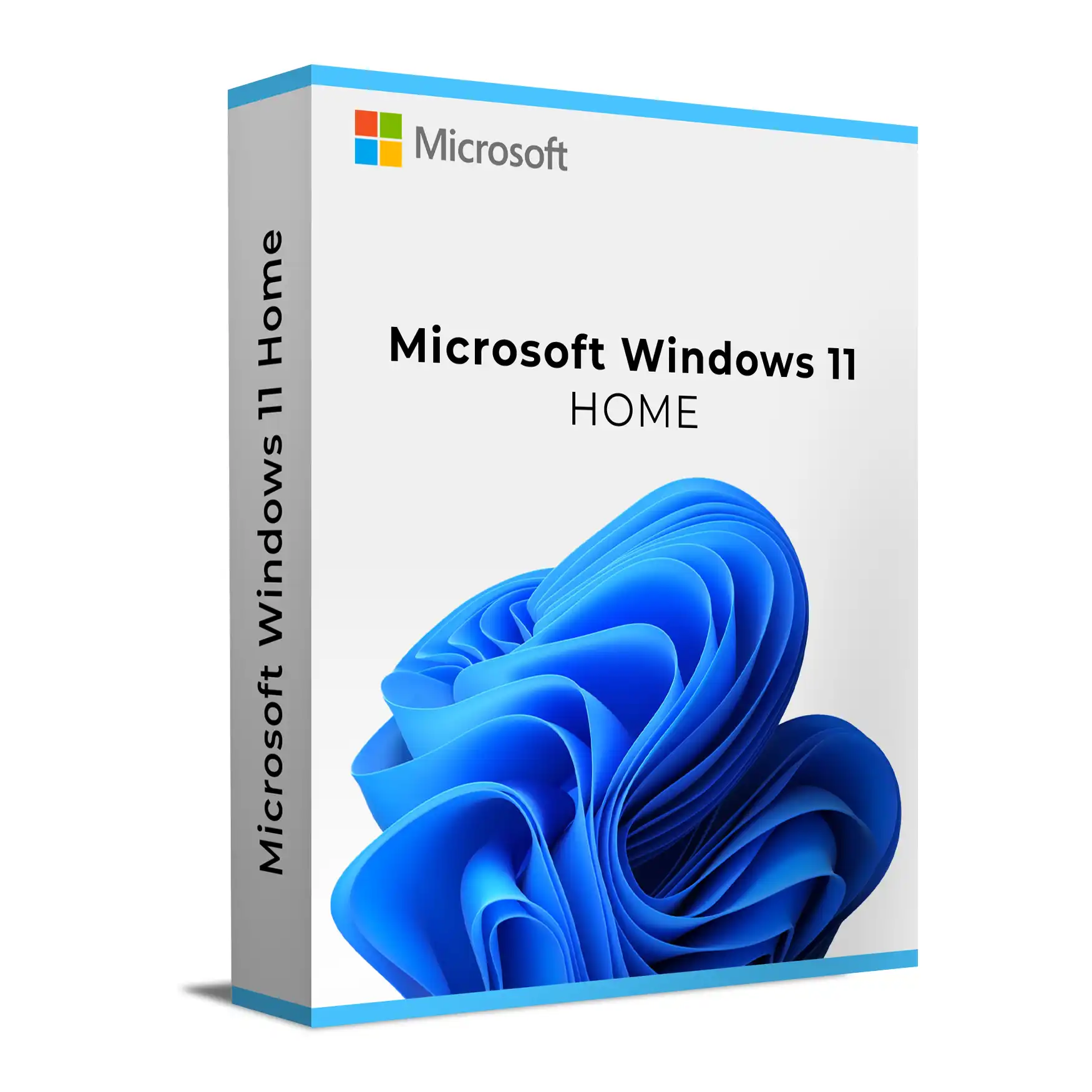
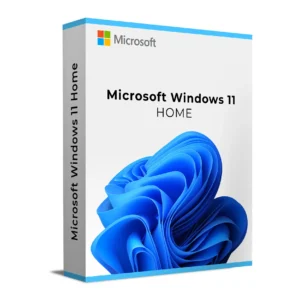
Buy Windows 11 Home Retail from Keys Experts – a consumer Windows 11 licence that activates on one device at a time and can generally be moved to a different PC under Microsoft Retail terms. Includes digital delivery, official download guidance, and installation/activation support.
Windows 11 Home (Retail) is Microsoft’s modern, consumer Windows 11 edition designed for personal PCs and non‑domain‑joined devices. The Retail (FPP) licence is an end‑user licence that activates on one device at a time and, subject to Microsoft’s terms, can generally be moved to a different device after a hardware change or replacement.
What you get
Windows 11 Home Retail product key for one device at a time (transferable under Microsoft Retail terms)
Digital delivery of your licence and order details after successful processing
Guidance to download official Windows 11 media and install
Activation support and installation assistance from Keys Experts
Coverage under Keys Experts’ published Refunds & Returns Policy (30‑day policy; see policy for eligibility)
Who Windows 11 Home is for
Home users, students and families who want a secure, modern Windows experience
Everyday productivity, web browsing, streaming and light content creation
PC gaming with features like DirectX 12 Ultimate, Auto HDR and DirectStorage when paired with compatible hardware
Key features and benefits
Modern Windows experience: refreshed Start menu and centred taskbar, Snap Layouts and multiple desktops for efficient multitasking, plus Widgets and the Microsoft Store.
Built‑in security baseline: requires TPM 2.0 and Secure Boot capable PCs; includes Microsoft Defender Antivirus and SmartScreen. Windows Hello enables fast sign‑in with face or fingerprint on supported devices.
Gaming ready: DirectX 12/12 Ultimate support (hardware dependent), Auto HDR on supported displays/games, DirectStorage API for faster load times with compatible NVMe and GPU, and Xbox app integration (Game Pass subscription sold separately).
Cloud‑connected convenience: Microsoft account integration for app access, OneDrive sync and settings backup. Windows Update delivers ongoing security and feature updates.
Important limitations vs Pro
Windows 11 Home omits several business/advanced features included in Pro, such as BitLocker management UI, Group Policy editor, Hyper‑V, Windows Sandbox, the ability to join on‑premises Active Directory domains, and hosting Remote Desktop sessions (Home is client only). If you need these, you can typically upgrade in‑place to Windows 11 Pro with a separate licence.
Compatibility and system requirements
Windows 11 has stricter hardware requirements than Windows 10. Ensure your PC meets these baseline needs:
64‑bit compatible CPU (1 GHz+ with 2+ cores on Microsoft’s supported list)
4 GB RAM or more, and 64 GB storage or more
UEFI firmware with Secure Boot capability
TPM 2.0
DirectX 12 compatible graphics with WDDM 2.x driver
Display 9 inches or larger with HD (720p) resolution
Internet connection and a Microsoft account are typically required during initial setup of Windows 11 Home
Feature‑specific requirements apply for capabilities such as Auto HDR, DirectStorage and Windows Hello. Apps, peripherals and older software should be checked for Windows 11 compatibility.
Retail licence characteristics
Perpetual licence for Windows 11 Home edition
Activates on one device at a time; generally transferable to a different device when removed from the old one, consistent with Microsoft Retail terms
Edition‑specific: a Windows 11 Home key does not activate Pro
Sold independent of hardware (not OEM; different from volume licences)
Installation and activation
Create installation media using Microsoft’s official tools and perform a clean install, or upgrade an eligible, activated Windows 10 device that meets requirements.
During setup or after installation (Settings > Activation), enter your Windows 11 Home Retail key to activate online.
Linking your licence to a Microsoft account can help with reactivation after hardware changes.
Before upgrading, back up your data, enable TPM 2.0 and Secure Boot in firmware if needed, update BIOS/UEFI and drivers, and verify application/peripheral compatibility.
Why buy your Windows 11 Home Retail key from Keys Experts?
Digital delivery: your software licence and order information are delivered digitally after successful order processing
Official download guidance to get the right installation media
Installation and activation support if you need help getting set up
Secure checkout
30‑Day Refund Policy per the published Refunds & Returns Policy (eligibility applies)
Customer support available for product, installation and activation enquiries
With a Windows 11 Home Retail key from Keys Experts, you get a flexible, consumer‑friendly Windows licence with guidance to install and activate on a compatible PC.
Activation Process:
Install Windows 11 Home on your device.
Go to Settings > System > Activation.
Click Change Product Key and enter your genuine Windows 11 Home license key.
Click Activate, and allow Microsoft to verify your license.
Restart your system if necessary and enjoy lifetime activation with regular security updates.
For offline activation, you can activate via the Microsoft Activation Center using the phone-based activation method.
Installation Process:
Download Windows 11 Home from the official Microsoft website or installation media.
Create a bootable USB drive using Microsoft’s Media Creation Tool.
Boot your PC from the USB drive and start the installation process.
Follow the on-screen instructions, select your installation type, and configure your personal settings.
Enter your product key during installation to activate Windows.
Once installed, complete the setup process and sign in with your Microsoft account.
Need help? Our 24/7 support team is available for installation and activation assistance!
Processor: 1 GHz or faster with two or more cores on a compatible 64-bit processor
RAM: Minimum 4GB (8GB recommended for better performance)
Storage: Minimum 64GB of available disk space
Graphics Card: DirectX 12-compatible GPU with WDDM 2.0 driver
Display: Minimum 720p resolution (1280 × 720)
Firmware: UEFI-based system with Secure Boot enabled
TPM: Trusted Platform Module (TPM) version 2.0 required
Internet Connection: Required for activation, cloud services, and security updates
For optimal performance, ensure your system meets or exceeds the recommended hardware specifications.