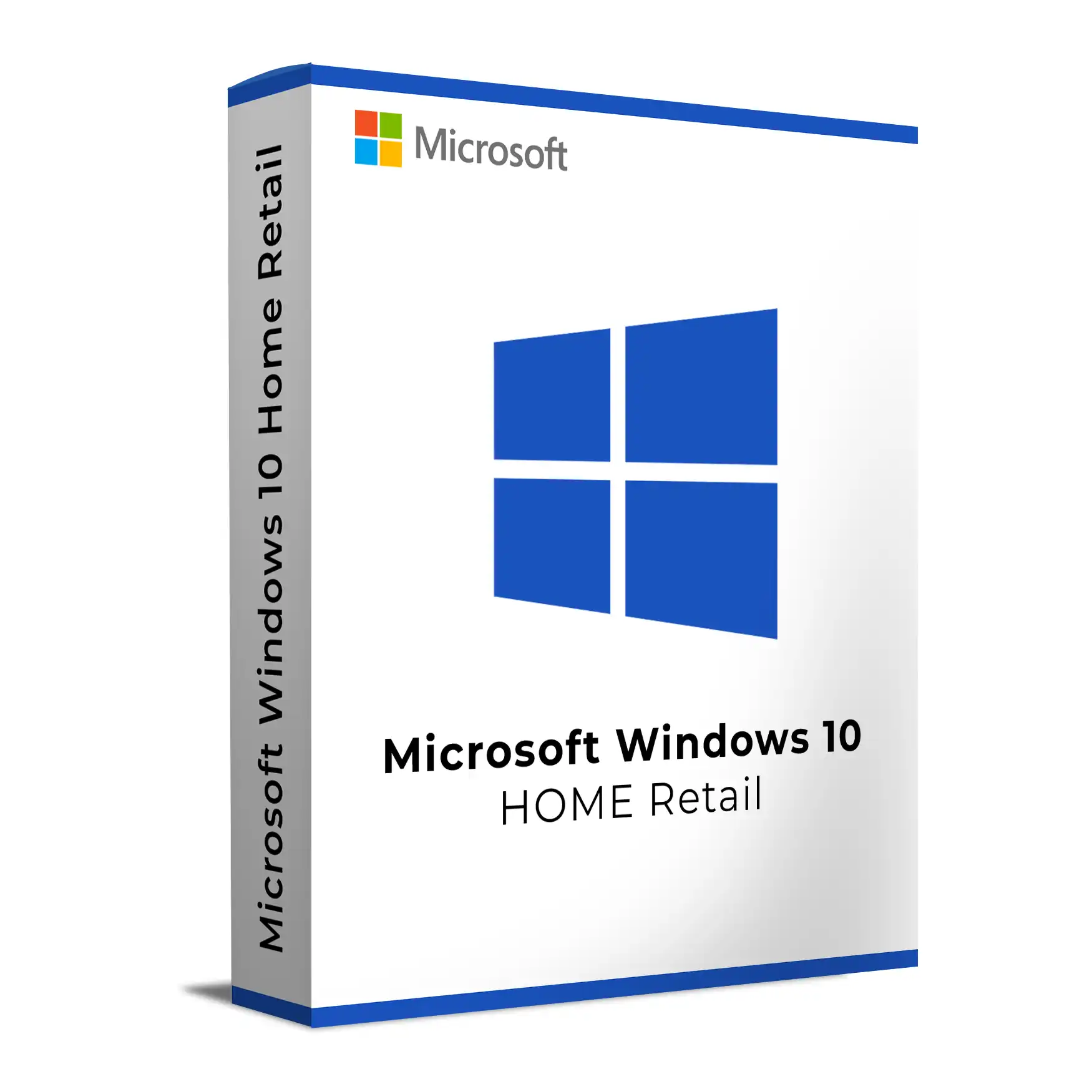
Buy Windows 10 Home Retail from Keys Experts for a transferable consumer Windows 10 licence for one device at a time. Enjoy the familiar Windows desktop, Microsoft Store apps, built‑in Windows Security, and gaming features. Digital delivery with installation and activation guidance is available.
Windows 10 Home is Microsoft’s consumer edition of Windows 10, built for everyday PCs and laptops. It delivers the familiar Windows desktop with Start menu, Microsoft Edge, Microsoft Store apps, OneDrive integration, Windows Security (Defender Antivirus and Firewall), and gaming features like Game Bar and DirectX 12 support on capable hardware.
Who Windows 10 Home is for
Home users and families who want a fast, familiar Windows experience for web, email, media, gaming, and everyday productivity.
Students and households using Microsoft family safety and parental controls.
Home offices without business network management needs.
Retail (FPP) licence at a glance
Transferable retail licence: Typically can be moved to another PC you own if removed from the old device and activation requirements are met.
Activation: Uses a 25‑character product key and can establish a digital licence on eligible devices (often linked to your Microsoft account).
One device at a time: Licensed for a single installation on one device unless licence terms state otherwise.
Note: Rights are ultimately defined by the Microsoft Software License Terms that accompany the licence.
Key features in Windows 10 Home
Core Windows experience: Start menu, taskbar, File Explorer, virtual desktops, and Snap window management.
Built-in security: Windows Security with Defender Antivirus and Firewall, SmartScreen, and security updates via Windows Update.
Microsoft services: Microsoft Store apps and games, OneDrive integration, and sign-in with a Microsoft account.
Gaming and media: Game Bar, Game Mode, and DirectX 12 support on compatible hardware.
Accessibility: Narrator, Magnifier, high-contrast themes, speech recognition, and more.
What’s not in Home (consider Pro if you need these)
Business/IT features: No domain join to on-prem Active Directory, limited policy controls, and no Windows Update for Business.
Security and management: No BitLocker management, Windows Information Protection, or advanced enterprise security features.
Virtualisation and admin tools: No Hyper‑V or Windows Sandbox.
Remote Desktop host: Home can connect as a client but cannot accept inbound RDP sessions.
System requirements and compatibility
Processor: 1 GHz or faster compatible CPU (32‑bit or 64‑bit; most users should choose 64‑bit).
Memory: 1 GB (32‑bit) or 2 GB (64‑bit) minimum; 4 GB or more recommended.
Storage: 16 GB (32‑bit) or 20 GB (64‑bit) minimum; more is recommended for apps and updates.
Graphics: DirectX 9 or later with WDDM 1.0 driver.
Display: 800×600 minimum.
Feature availability can depend on your hardware (for example, Windows Hello needs compatible camera or fingerprint hardware). Secure Boot and TPM 2.0 are not required to install Windows 10 Home but may be needed for some security features or for upgrades to newer Windows versions.
Installation and activation
Create installation media using Microsoft’s Media Creation Tool or official ISO, then perform a clean install or in‑place upgrade where supported.
Activate with your 25‑character product key. A digital licence may be established on eligible devices and linked to your Microsoft account to help with future reactivation after certain hardware changes.
Upgrades and lifecycle
Edition change: You can upgrade from Windows 10 Home to Windows 10 Pro by applying a Pro upgrade (licence change; typically no reinstall required). Downgrading back to Home usually requires a reinstall.
Windows 11: Many Windows 10 Home devices can upgrade to Windows 11 Home if they meet Windows 11 hardware requirements (such as TPM 2.0, Secure Boot, and a supported CPU).
Servicing timeline: Windows 10 reached version 22H2 as its final feature baseline. Microsoft has announced end of support for Windows 10 (including Home) on 14 October 2025. After that, security updates will no longer be provided unless covered by specific extended programmes or by upgrading the OS.
Is Windows 10 Home Retail right for you?
Choose Windows 10 Home Retail if you want the standard Windows experience on a personal PC with built-in security, Microsoft Store apps, and gaming features—and you don’t need business capabilities like domain join, BitLocker management, or Hyper‑V. If you expect to change PCs in future, the retail licence’s typical transferability can be a better fit than OEM licences that are generally tied to the first device.
Why buy Windows 10 Home Retail from Keys Experts?
Digital delivery after successful order processing.
Installation guidance and official download information where applicable.
Activation support and help with product-related questions.
Secure checkout.
30‑Day Refund Policy: Eligible purchases may qualify for technical assistance, replacement, store credit or refund in accordance with the published policy.
For buyers planning a new PC or considering Windows 11, you may also be interested in Windows 11 Home Retail (hardware requirements apply).
Installation Steps:
Download the Windows 10 ISO or use the Media Creation Tool from Microsoft’s website.
Create a bootable USB drive and insert it into the target PC.
Boot from the USB and follow the installation prompts.
Select your language, region, and keyboard settings during setup.
Proceed with installation and wait for the process to complete.
Activation Steps:
After installation, go to Settings > Update & Security > Activation.
Click Change product key and enter your OEM license key.
Click Activate and ensure you’re connected to the internet for validation.
💡 This OEM license is permanently tied to the first PC it is installed on and cannot be transferred to another device.
💡 For help with installation or activation, our 24/7 support team is always ready to assist.
Processor:
– 1 GHz or faster compatible processor or SoC
RAM:
– 1 GB for 32-bit or 2 GB for 64-bit (4 GB or more recommended)
Storage:
– Minimum 32 GB of available disk space
Graphics:
– DirectX 9 or later with WDDM 1.0 driver
Display:
– 800 x 600 resolution or higher
Internet Connection:
– Required for activation, updates, and Microsoft Store access
💡 Check hardware compatibility using the official Microsoft PC Health Check or installation guide for smooth setup.