SKU : 11002
$ 529.00 Original price was: $ 529.00.$ 47.66Current price is: $ 47.66.
$ 348.37 Original price was: $ 348.37.$ 23.80Current price is: $ 23.80.
$ 325.11 Original price was: $ 325.11.$ 34.40Current price is: $ 34.40.
$ 263.17 Original price was: $ 263.17.$ 21.15Current price is: $ 21.15.
$ 529.00 Original price was: $ 529.00.$ 47.66Current price is: $ 47.66.
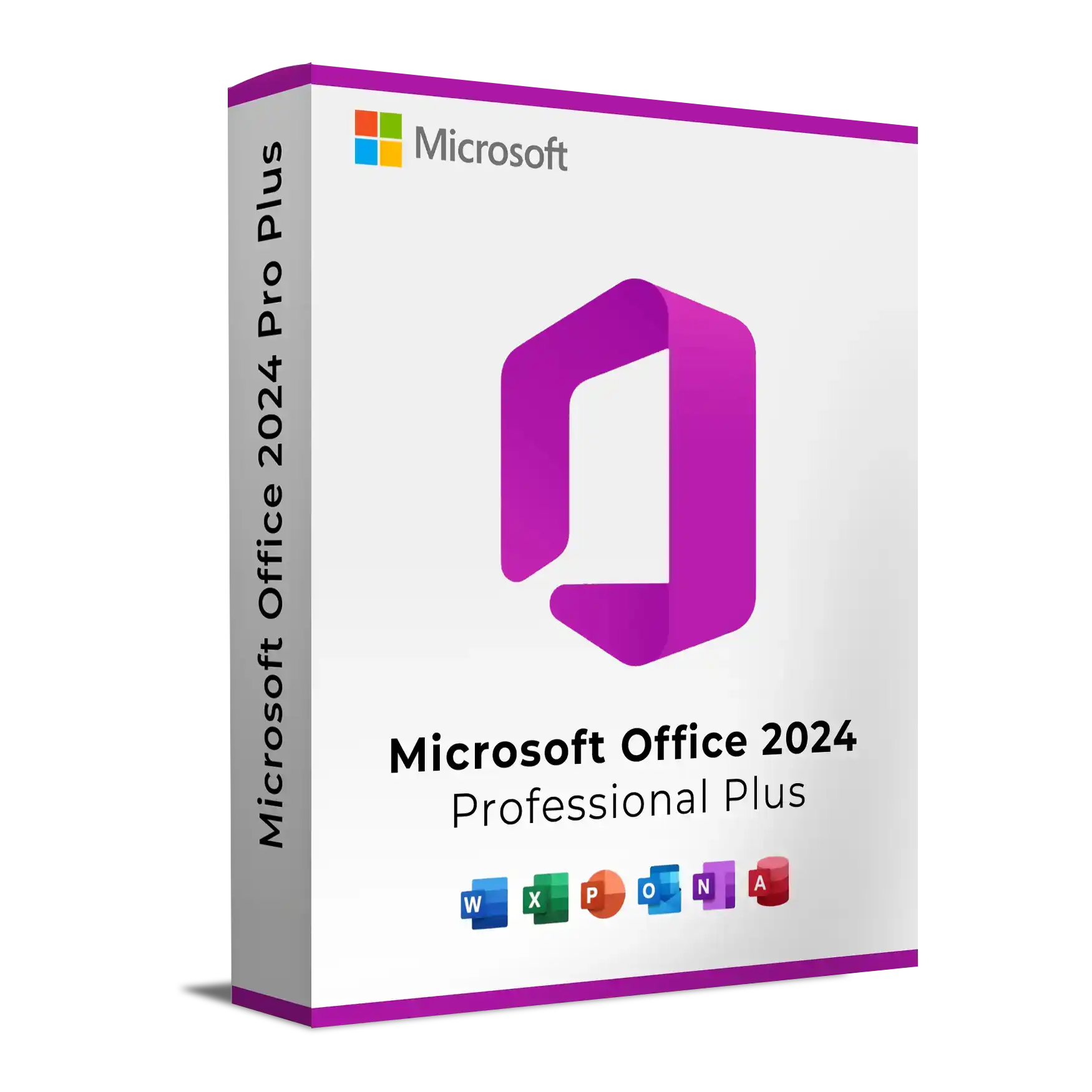
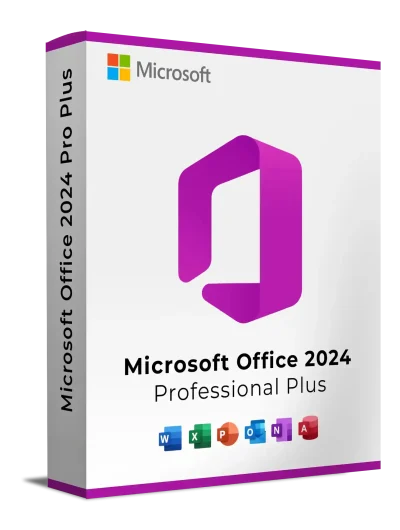
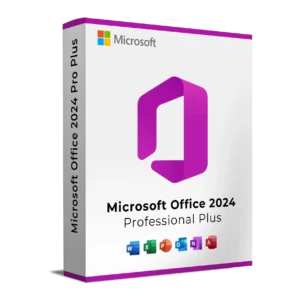
Microsoft Office 2024 Professional Plus LTSC is the latest perpetual edition of Microsoft’s professional productivity suite, designed for businesses, IT professionals, organizations, and advanced users who require a stable Office environment without a recurring Microsoft 365 subscription.
Unlike Microsoft 365, Office 2024 Professional Plus LTSC provides a one-time purchase with a fixed feature set that remains consistent throughout its lifecycle. It receives security and quality updates but does not receive ongoing feature additions, making it ideal for environments where stability, compatibility, and predictable deployments are essential.
If you prefer owning your Office software rather than paying monthly or yearly subscription fees, Office 2024 Professional Plus LTSC offers a reliable long-term solution.
It is particularly suitable for:
Because LTSC (Long-Term Servicing Channel) focuses on stability instead of constant feature changes, users can work confidently knowing the interface and functionality remain consistent.
Microsoft Office Professional Plus LTSC 2024 includes the complete professional desktop suite for Windows:
Microsoft Publisher is no longer included because Microsoft has announced its retirement. Microsoft Teams is available separately and is not included with Office LTSC 2024.
Create polished documents with Microsoft Word using improved performance, accessibility enhancements, and modern formatting tools.
Excel 2024 includes enhanced functions, faster calculation performance, improved charts, and expanded data analysis capabilities.
PowerPoint 2024 helps you build visually engaging presentations with updated templates, transitions, and presentation tools.
Outlook 2024 provides professional email, calendar, contacts, and task management in one application.
Access 2024 enables businesses to create and manage custom databases without requiring advanced programming knowledge.
OneNote keeps meeting notes, research, and project information organized across your workspace.
Office LTSC 2024 introduces several improvements over previous perpetual Office releases, including:
Because LTSC is designed for long-term stability, new features are not added after release. Security and quality updates continue throughout the support lifecycle.
Office Professional Plus LTSC 2024 is available as a perpetual license.
Benefits include:
This makes it an excellent choice for users who prefer predictable software costs instead of ongoing subscription payments.
Office 2024 Professional Plus LTSC is recommended for:
Minimum requirements include:
Microsoft recommends the 64-bit edition for systems with 4 GB RAM or more.
| Office 2024 Professional Plus LTSC | Microsoft 365 |
|---|---|
| One-time purchase | Subscription |
| No recurring fees | Monthly or annual payments |
| Fixed feature set | Continuous feature updates |
| Security updates | Security and feature updates |
| Ideal for stable environments | Ideal for collaboration and cloud-first work |
| Classic desktop applications | Desktop, web and mobile apps |
Microsoft recommends Microsoft 365 for users who require the latest cloud-based collaboration, AI features, and continuous innovation. Office LTSC is intended for environments where feature stability is preferred.
When you purchase from Keys Experts, you benefit from:
No. It is a perpetual version of Microsoft Office that is licensed through a one-time purchase rather than a recurring subscription.
No. Teams is available as a separate download and is not included with Office LTSC 2024.
No. Office LTSC receives security and quality updates, but its feature set remains fixed after release.
An internet connection is required for activation (such as MAK activation), but after installation the desktop applications can be used offline.
There are two ways to download Office:
If you’d like to skip the setup steps and avoid the hassle of configuring manually:
You can directly download the complete installation package from our Download Center.
This version already includes:
Office Deployment Tool (ODT)
Pre-configured setup files
Ready-to-use configuration for Office 2024 Professional Plus LTSC installation
Just download, extract, and install.
No need to edit XML files or run extra commands. Everything is ready to go.

If you prefer manual setup instead of our pre-built installer, follow these easy steps:
Go to the Office Customization Tool
Under Product and Release, select:
Office LTSC Professional Plus 2024
Leave default options or customize as needed.
At the end, click Export to download your custom configuration.xml file.
Download the Office Deployment Tool (ODT)
Run the installer and extract the files into a folder.
Copy your exported configuration.xml into that same folder.
Important:
Don’t use the sample configuration or setup.exe created by default — it’s meant for Microsoft 365, not Office LTSC Professional Plus 2024.
Use only your exported configuration.xml from the Office Customization Tool.
Run Installation:
Open Command Prompt inside the folder and run:

This will install Office 2024 Professional Plus LTSC based on your selected options — no extra downloads or XML editing required.
After installation, you’ll need to activate Office using your license key. You can activate it using the graphical interface (GUI) or via Command Prompt.
Open any Office app (e.g., Word, Excel).
You’ll be prompted to enter a product key.
Enter your 25-character Office 2024 LTSC license key.
Click Activate and wait for verification.
Once successful, Office will display a message confirming activation.
💡 For the best performance, ensure your system meets or exceeds the recommended specifications.
Microsoft Office 2024 Professional Plus LTSC is the latest perpetual edition of Microsoft’s professional productivity suite, designed for businesses, IT professionals, organizations, and advanced users who require a stable Office environment without a recurring Microsoft 365 subscription.
Unlike Microsoft 365, Office 2024 Professional Plus LTSC provides a one-time purchase with a fixed feature set that remains consistent throughout its lifecycle. It receives security and quality updates but does not receive ongoing feature additions, making it ideal for environments where stability, compatibility, and predictable deployments are essential.
If you prefer owning your Office software rather than paying monthly or yearly subscription fees, Office 2024 Professional Plus LTSC offers a reliable long-term solution.
It is particularly suitable for:
Because LTSC (Long-Term Servicing Channel) focuses on stability instead of constant feature changes, users can work confidently knowing the interface and functionality remain consistent.
Microsoft Office Professional Plus LTSC 2024 includes the complete professional desktop suite for Windows:
Microsoft Publisher is no longer included because Microsoft has announced its retirement. Microsoft Teams is available separately and is not included with Office LTSC 2024.
Create polished documents with Microsoft Word using improved performance, accessibility enhancements, and modern formatting tools.
Excel 2024 includes enhanced functions, faster calculation performance, improved charts, and expanded data analysis capabilities.
PowerPoint 2024 helps you build visually engaging presentations with updated templates, transitions, and presentation tools.
Outlook 2024 provides professional email, calendar, contacts, and task management in one application.
Access 2024 enables businesses to create and manage custom databases without requiring advanced programming knowledge.
OneNote keeps meeting notes, research, and project information organized across your workspace.
Office LTSC 2024 introduces several improvements over previous perpetual Office releases, including:
Because LTSC is designed for long-term stability, new features are not added after release. Security and quality updates continue throughout the support lifecycle.
Office Professional Plus LTSC 2024 is available as a perpetual license.
Benefits include:
This makes it an excellent choice for users who prefer predictable software costs instead of ongoing subscription payments.
Office 2024 Professional Plus LTSC is recommended for:
Minimum requirements include:
Microsoft recommends the 64-bit edition for systems with 4 GB RAM or more.
| Office 2024 Professional Plus LTSC | Microsoft 365 |
|---|---|
| One-time purchase | Subscription |
| No recurring fees | Monthly or annual payments |
| Fixed feature set | Continuous feature updates |
| Security updates | Security and feature updates |
| Ideal for stable environments | Ideal for collaboration and cloud-first work |
| Classic desktop applications | Desktop, web and mobile apps |
Microsoft recommends Microsoft 365 for users who require the latest cloud-based collaboration, AI features, and continuous innovation. Office LTSC is intended for environments where feature stability is preferred.
When you purchase from Keys Experts, you benefit from:
No. It is a perpetual version of Microsoft Office that is licensed through a one-time purchase rather than a recurring subscription.
No. Teams is available as a separate download and is not included with Office LTSC 2024.
No. Office LTSC receives security and quality updates, but its feature set remains fixed after release.
An internet connection is required for activation (such as MAK activation), but after installation the desktop applications can be used offline.
There are two ways to download Office:
If you’d like to skip the setup steps and avoid the hassle of configuring manually:
You can directly download the complete installation package from our Download Center.
This version already includes:
Office Deployment Tool (ODT)
Pre-configured setup files
Ready-to-use configuration for Office 2024 Professional Plus LTSC installation
Just download, extract, and install.
No need to edit XML files or run extra commands. Everything is ready to go.

If you prefer manual setup instead of our pre-built installer, follow these easy steps:
Go to the Office Customization Tool
Under Product and Release, select:
Office LTSC Professional Plus 2024
Leave default options or customize as needed.
At the end, click Export to download your custom configuration.xml file.
Download the Office Deployment Tool (ODT)
Run the installer and extract the files into a folder.
Copy your exported configuration.xml into that same folder.
Important:
Don’t use the sample configuration or setup.exe created by default — it’s meant for Microsoft 365, not Office LTSC Professional Plus 2024.
Use only your exported configuration.xml from the Office Customization Tool.
Run Installation:
Open Command Prompt inside the folder and run:

This will install Office 2024 Professional Plus LTSC based on your selected options — no extra downloads or XML editing required.
After installation, you’ll need to activate Office using your license key. You can activate it using the graphical interface (GUI) or via Command Prompt.
Open any Office app (e.g., Word, Excel).
You’ll be prompted to enter a product key.
Enter your 25-character Office 2024 LTSC license key.
Click Activate and wait for verification.
Once successful, Office will display a message confirming activation.
💡 For the best performance, ensure your system meets or exceeds the recommended specifications.