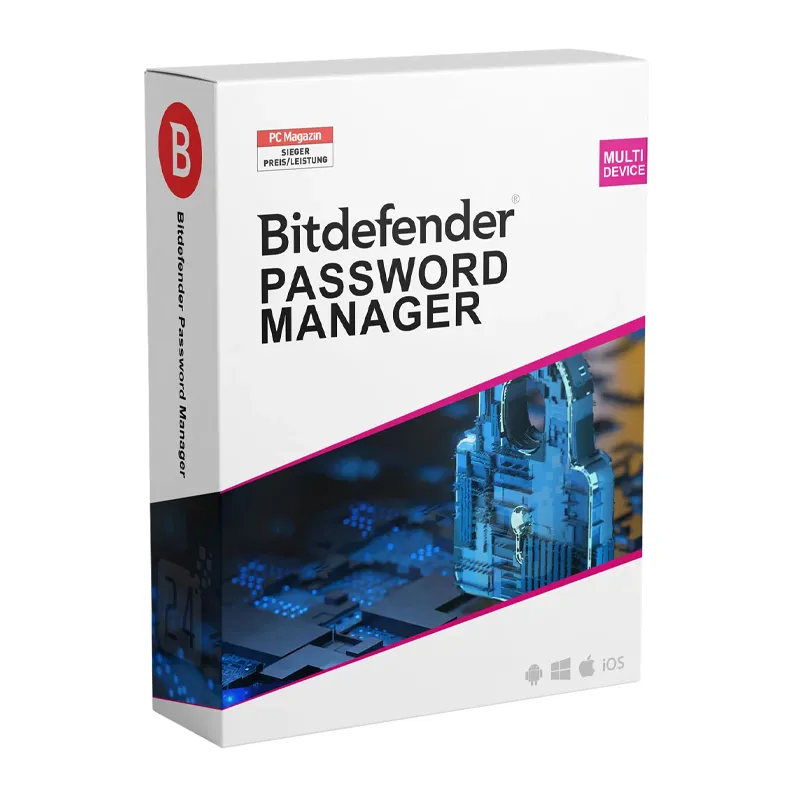
Bitdefender Password Manager 2026 helps you securely manage all your passwords, credit card details, and sensitive information in one encrypted vault. It simplifies online security by generating strong, unique passwords and automatically filling them in across websites and apps.
Built with strong end-to-end encryption and zero-knowledge architecture, your data remains private and accessible only to you. Whether you’re logging into accounts, shopping online, or managing multiple credentials, Bitdefender Password Manager ensures convenience without compromising security.
Key Features & Benefits:
Secure Password Vault – Store all passwords and sensitive data in an encrypted digital vault.
Auto-Fill & Auto-Save – Automatically save and fill login credentials.
Cross-Platform Access – Access your vault across Windows, macOS, Android, and iOS.
Zero-Knowledge Encryption – Only you can access your stored information.
Secure Sharing – Safely share passwords with trusted contacts.
Security Alerts – Get notified if your credentials appear in a data breach.
Bitdefender Password Manager 2026 is ideal for individuals and families who want strong password security, convenience, and protection against identity theft.
Installation and Activation
Installation Steps:
Purchase the subscription and receive activation details via email.
Log in to your Bitdefender Central account.
Download the Password Manager browser extension or mobile app.
Sign in to activate and set up your secure vault.
Activation Notes:
Requires an active subscription.
Internet connection required for synchronization and activation.
Available as a standalone subscription or part of selected Bitdefender plans.
💡 Activation instructions will be delivered immediately after purchase.
Internet: Required for synchronization and updates
💡 Keep your browser and operating system updated for optimal performance.
Bitdefender Password Manager 2026 helps you securely manage all your passwords, credit card details, and sensitive information in one encrypted vault. It simplifies online security by generating strong, unique passwords and automatically filling them in across websites and apps.
Built with strong end-to-end encryption and zero-knowledge architecture, your data remains private and accessible only to you. Whether you’re logging into accounts, shopping online, or managing multiple credentials, Bitdefender Password Manager ensures convenience without compromising security.
Key Features & Benefits:
Secure Password Vault – Store all passwords and sensitive data in an encrypted digital vault.
Auto-Fill & Auto-Save – Automatically save and fill login credentials.
Cross-Platform Access – Access your vault across Windows, macOS, Android, and iOS.
Zero-Knowledge Encryption – Only you can access your stored information.
Secure Sharing – Safely share passwords with trusted contacts.
Security Alerts – Get notified if your credentials appear in a data breach.
Bitdefender Password Manager 2026 is ideal for individuals and families who want strong password security, convenience, and protection against identity theft.
Installation Steps:
Purchase the subscription and receive activation details via email.
Log in to your Bitdefender Central account.
Download the Password Manager browser extension or mobile app.
Sign in to activate and set up your secure vault.
Activation Notes:
Requires an active subscription.
Internet connection required for synchronization and activation.
Available as a standalone subscription or part of selected Bitdefender plans.
💡 Activation instructions will be delivered immediately after purchase.