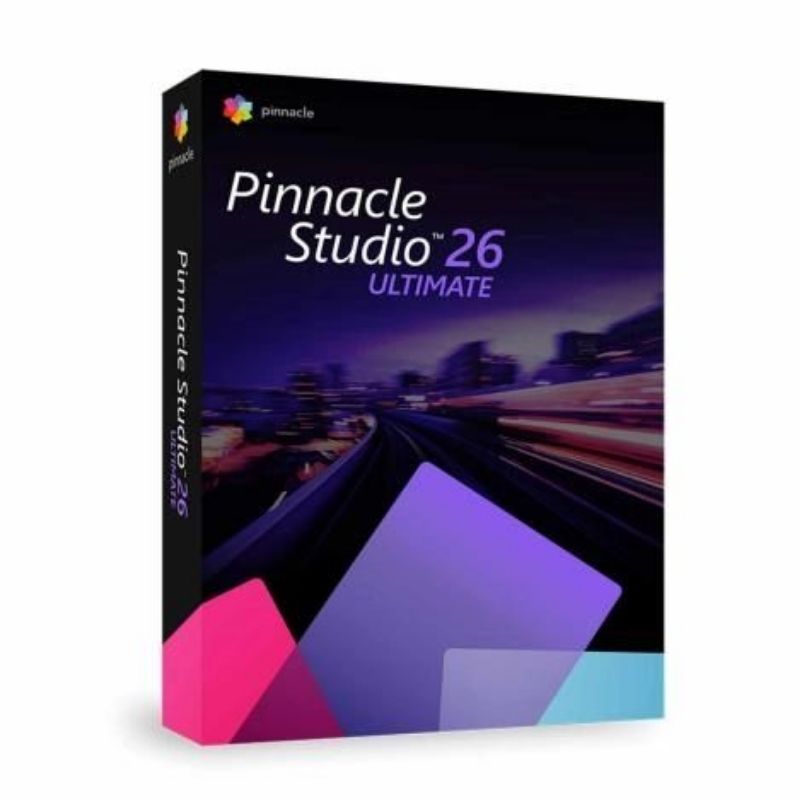
Corel Pinnacle Studio 26 Ultimate is a professional-level video editing solution designed for creators who demand precision, flexibility, and creative freedom. It offers advanced editing tools, multi-camera support, 360° video editing, and premium visual effects to help you produce cinematic-quality videos.
The Ultimate edition includes advanced color grading, keyframe controls, unlimited tracks, and a wide collection of premium effects and transitions. Whether you’re editing YouTube videos, documentaries, social media content, or professional productions, Pinnacle Studio 26 Ultimate provides the performance and creative tools needed to bring your vision to life.
Key Features & Benefits:
Advanced Video Editing Tools – Multi-track timeline with unlimited layers.
Professional Color Grading – Precise color correction and LUT support.
Multi-Camera Editing – Edit footage from multiple cameras simultaneously.
360° Video Editing – Create immersive 360-degree video projects.
Premium Effects & Transitions – Access to advanced visual effects and creative filters.
Keyframe Control – Frame-by-frame animation and precision editing.
Screen Recording – Capture screen content directly within the software.
High-Performance Rendering – Optimized for faster export and smooth playback.
Corel Pinnacle Studio 26 Ultimate is ideal for content creators, video enthusiasts, and professionals seeking advanced editing capabilities with creative flexibility.
Installation and Activation
Installation Steps:
Purchase the software and receive your activation details via email.
Download the installer from the official Corel website.
Run the setup file and follow the installation wizard.
Enter your license key or sign in to activate the software.
Activation Notes:
Requires a valid product license key.
Internet connection required for activation and updates.
License is typically valid for one PC unless otherwise specified.
💡 Activation instructions are delivered immediately after purchase.
💡 A dedicated GPU is recommended for optimal performance with 4K or 360° video editing.
Corel Pinnacle Studio 26 Ultimate is a professional-level video editing solution designed for creators who demand precision, flexibility, and creative freedom. It offers advanced editing tools, multi-camera support, 360° video editing, and premium visual effects to help you produce cinematic-quality videos.
The Ultimate edition includes advanced color grading, keyframe controls, unlimited tracks, and a wide collection of premium effects and transitions. Whether you’re editing YouTube videos, documentaries, social media content, or professional productions, Pinnacle Studio 26 Ultimate provides the performance and creative tools needed to bring your vision to life.
Key Features & Benefits:
Advanced Video Editing Tools – Multi-track timeline with unlimited layers.
Professional Color Grading – Precise color correction and LUT support.
Multi-Camera Editing – Edit footage from multiple cameras simultaneously.
360° Video Editing – Create immersive 360-degree video projects.
Premium Effects & Transitions – Access to advanced visual effects and creative filters.
Keyframe Control – Frame-by-frame animation and precision editing.
Screen Recording – Capture screen content directly within the software.
High-Performance Rendering – Optimized for faster export and smooth playback.
Corel Pinnacle Studio 26 Ultimate is ideal for content creators, video enthusiasts, and professionals seeking advanced editing capabilities with creative flexibility.
Installation Steps:
Purchase the software and receive your activation details via email.
Download the installer from the official Corel website.
Run the setup file and follow the installation wizard.
Enter your license key or sign in to activate the software.
Activation Notes:
Requires a valid product license key.
Internet connection required for activation and updates.
License is typically valid for one PC unless otherwise specified.
💡 Activation instructions are delivered immediately after purchase.