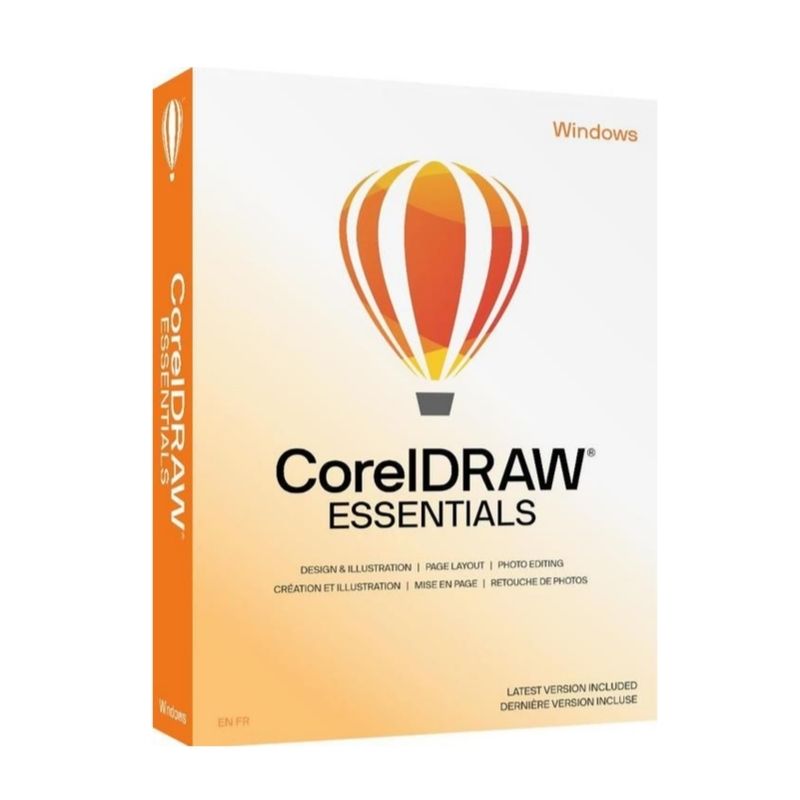
CorelDRAW Essentials 2024 is designed for beginners, home users, and small businesses who need reliable graphic design tools without the complexity of professional design suites. It provides simple yet powerful vector illustration and page layout features to help you create eye-catching designs quickly and efficiently.
The 2024 edition offers improved performance, enhanced design tools, and an intuitive interface that makes it easy to create marketing materials, event invitations, business cards, and digital graphics. With ready-to-use templates and straightforward editing tools, you can bring your creative ideas to life with confidence.
Key Features & Benefits:
Vector Illustration Tools – Design logos, icons, and custom graphics with precision.
Ready-Made Templates – Start quickly with professionally designed layouts.
Easy Text Editing – Add and format text with full control over fonts and styles.
Basic Image Editing – Adjust photos and enhance visuals within your projects.
User-Friendly Interface – Clean and intuitive workspace ideal for beginners.
One-Time Purchase – No subscription required.
CorelDRAW Essentials 2024 is perfect for individuals and small businesses looking for dependable, easy graphic design software for everyday creative projects.
Installation and Activation
Installation Steps:
Purchase the software and receive activation details via email.
Download the installer from the official Corel website.
Run the setup file and follow the on-screen instructions.
Enter your product key to activate the software.
Activation Notes:
Requires a valid product license key.
Internet connection required for activation.
License typically valid for one PC unless otherwise specified.
💡 Activation instructions are provided immediately after purchase.
System Requirements
Operating System: Windows 10 / 11 (64-bit)
Processor: Intel Core i3 or AMD equivalent
RAM: 4 GB minimum (8 GB recommended)
Storage: 4 GB available disk space
Display: 1280 x 720 resolution or higher
Internet: Required for activation and updates
💡 A higher-resolution display is recommended for better design workspace visibility.
CorelDRAW Essentials 2024 is designed for beginners, home users, and small businesses who need reliable graphic design tools without the complexity of professional design suites. It provides simple yet powerful vector illustration and page layout features to help you create eye-catching designs quickly and efficiently.
The 2024 edition offers improved performance, enhanced design tools, and an intuitive interface that makes it easy to create marketing materials, event invitations, business cards, and digital graphics. With ready-to-use templates and straightforward editing tools, you can bring your creative ideas to life with confidence.
Key Features & Benefits:
Vector Illustration Tools – Design logos, icons, and custom graphics with precision.
Ready-Made Templates – Start quickly with professionally designed layouts.
Easy Text Editing – Add and format text with full control over fonts and styles.
Basic Image Editing – Adjust photos and enhance visuals within your projects.
User-Friendly Interface – Clean and intuitive workspace ideal for beginners.
One-Time Purchase – No subscription required.
CorelDRAW Essentials 2024 is perfect for individuals and small businesses looking for dependable, easy graphic design software for everyday creative projects.
Installation Steps:
Purchase the software and receive activation details via email.
Download the installer from the official Corel website.
Run the setup file and follow the on-screen instructions.
Enter your product key to activate the software.
Activation Notes:
Requires a valid product license key.
Internet connection required for activation.
License typically valid for one PC unless otherwise specified.
💡 Activation instructions are provided immediately after purchase.
Operating System: Windows 10 / 11 (64-bit)
Processor: Intel Core i3 or AMD equivalent
RAM: 4 GB minimum (8 GB recommended)
Storage: 4 GB available disk space
Display: 1280 x 720 resolution or higher
Internet: Required for activation and updates
💡 A higher-resolution display is recommended for better design workspace visibility.