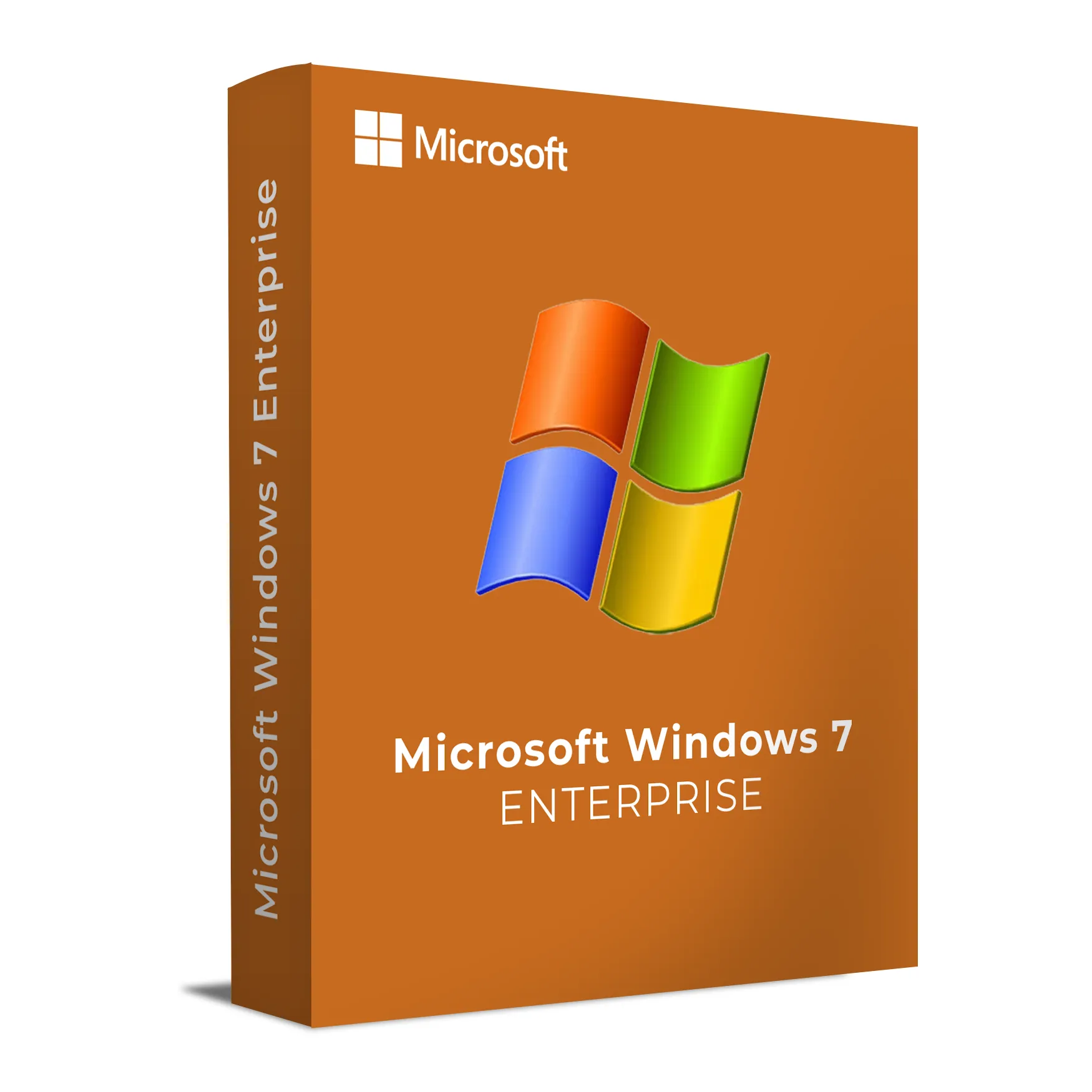
Windows 7 Enterprise is the ultimate edition of Windows 7, designed for large organizations that need advanced features for system management, security, and support for a wide range of business applications. It includes all the features of Windows 7 Professional, along with additional tools for IT departments to manage and control the enterprise environment effectively.
Windows 7 Enterprise provides strong security features like BitLocker encryption, AppLocker for application control, and DirectAccess for seamless, remote network access. Additionally, this edition offers the flexibility and performance required by businesses running critical applications and managing large IT infrastructures. It also supports the use of virtual machines through Virtual Desktop Infrastructure (VDI), ensuring the best flexibility for enterprise environments.
Key Features & Benefits:
Advanced Security – Features like BitLocker encryption and AppLocker to protect sensitive data and control which applications can run.
Virtualization Support – Support for VDI (Virtual Desktop Infrastructure) for running multiple desktop environments on a single machine.
DirectAccess – Enables secure, seamless remote access to corporate networks without requiring a VPN connection.
Group Policy Support – Allows IT administrators to control and manage desktop settings across an enterprise.
Enhanced Networking – Advanced network management and optimized network access for better connectivity in large enterprise environments.
Long-Term Support – Designed for businesses that need a stable, secure environment with long-term support and no disruptive feature updates.
Windows 7 Enterprise is ideal for businesses that require a secure, scalable, and manageable OS for their IT infrastructure, offering a complete set of tools for maintaining high performance, data integrity, and regulatory compliance.
Installation and Activation
Installation Steps:
Insert the installation media (DVD/USB) for Windows 7 Enterprise or boot from the provided installation media.
Follow the on-screen instructions to set your region, language, and installation preferences.
Enter the product key when prompted during the installation process to activate Windows 7 Enterprise.
Complete the installation process, and once the OS is installed, configure the network and system settings as needed.
After installation, check for updates to ensure your system is running the latest patches and fixes.
Activation Notes:
Activation is required to validate your product, and can be completed online or via phone activation.
Windows 7 Enterprise is licensed for corporate use and is tied to the specific hardware it is installed on.
💡 Your product key and installation guide will be sent immediately after purchase via email.
System Requirements
System Requirements
Operating System: Windows 7 Enterprise
Processor: 1 GHz or faster (32-bit or 64-bit)
RAM: 2 GB minimum (4 GB or more recommended)
Storage: 20 GB available disk space (32-bit) or 40 GB (64-bit)
Graphics: DirectX 9 or later with WDDM 1.0 or later driver
Display: 1024 x 768 resolution or higher
Internet: Required for activation, updates, and network configuration
💡 Ensure your hardware meets the minimum requirements to fully utilize the features of Windows 7 Enterprise.
Windows 7 Enterprise is the ultimate edition of Windows 7, designed for large organizations that need advanced features for system management, security, and support for a wide range of business applications. It includes all the features of Windows 7 Professional, along with additional tools for IT departments to manage and control the enterprise environment effectively.
Windows 7 Enterprise provides strong security features like BitLocker encryption, AppLocker for application control, and DirectAccess for seamless, remote network access. Additionally, this edition offers the flexibility and performance required by businesses running critical applications and managing large IT infrastructures. It also supports the use of virtual machines through Virtual Desktop Infrastructure (VDI), ensuring the best flexibility for enterprise environments.
Key Features & Benefits:
Advanced Security – Features like BitLocker encryption and AppLocker to protect sensitive data and control which applications can run.
Virtualization Support – Support for VDI (Virtual Desktop Infrastructure) for running multiple desktop environments on a single machine.
DirectAccess – Enables secure, seamless remote access to corporate networks without requiring a VPN connection.
Group Policy Support – Allows IT administrators to control and manage desktop settings across an enterprise.
Enhanced Networking – Advanced network management and optimized network access for better connectivity in large enterprise environments.
Long-Term Support – Designed for businesses that need a stable, secure environment with long-term support and no disruptive feature updates.
Windows 7 Enterprise is ideal for businesses that require a secure, scalable, and manageable OS for their IT infrastructure, offering a complete set of tools for maintaining high performance, data integrity, and regulatory compliance.
Installation Steps:
Insert the installation media (DVD/USB) for Windows 7 Enterprise or boot from the provided installation media.
Follow the on-screen instructions to set your region, language, and installation preferences.
Enter the product key when prompted during the installation process to activate Windows 7 Enterprise.
Complete the installation process, and once the OS is installed, configure the network and system settings as needed.
After installation, check for updates to ensure your system is running the latest patches and fixes.
Activation Notes:
Activation is required to validate your product, and can be completed online or via phone activation.
Windows 7 Enterprise is licensed for corporate use and is tied to the specific hardware it is installed on.
💡 Your product key and installation guide will be sent immediately after purchase via email.
System Requirements
Operating System: Windows 7 Enterprise
Processor: 1 GHz or faster (32-bit or 64-bit)
RAM: 2 GB minimum (4 GB or more recommended)
Storage: 20 GB available disk space (32-bit) or 40 GB (64-bit)
Graphics: DirectX 9 or later with WDDM 1.0 or later driver
Display: 1024 x 768 resolution or higher
Internet: Required for activation, updates, and network configuration
💡 Ensure your hardware meets the minimum requirements to fully utilize the features of Windows 7 Enterprise.