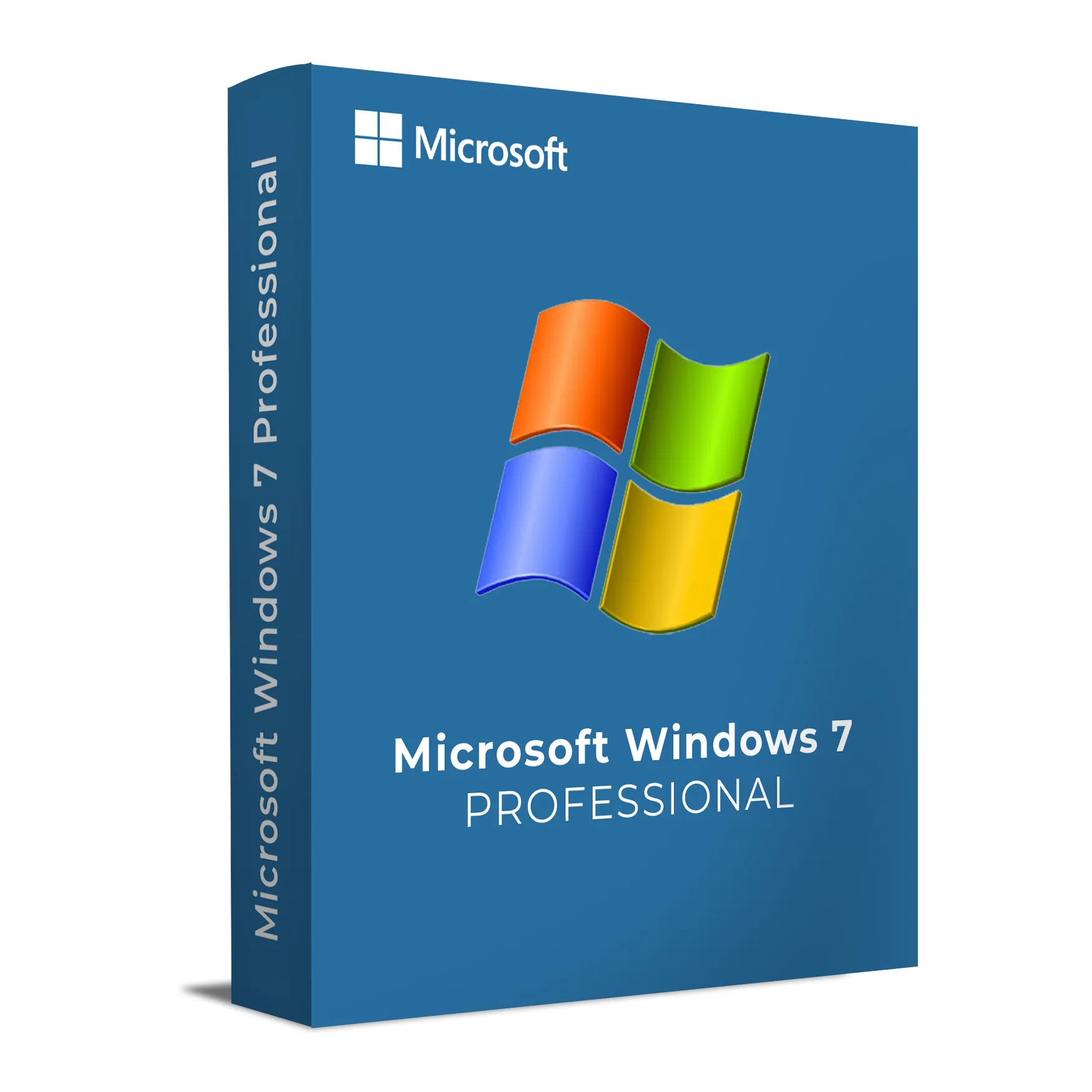
Windows 7 Professional is built for business users and professionals who require more than the basic features of the Home editions. It includes advanced networking tools, enhanced security features, and support for productivity applications such as Microsoft Office, as well as the ability to run Windows XP Mode for legacy applications.
Windows 7 Professional provides a reliable environment for managing documents, connecting to networks, and utilizing business software. It also includes robust security tools, such as BitLocker encryption and group policies, which are essential for businesses and IT administrators who need to safeguard company data and maintain control over IT infrastructure.
Key Features & Benefits:
Business Networking – Join domains, set up a homegroup for easy file and printer sharing, and use Remote Desktop to access your PC remotely.
Windows XP Mode – Run older Windows XP applications in a virtualized environment for backward compatibility.
BitLocker Encryption – Protect sensitive business data with full disk encryption that ensures your information stays secure even if the device is lost or stolen.
Professional Productivity Tools – Includes all the features of Windows 7 Home Premium, plus additional productivity features like advanced file and folder management tools.
Remote Desktop – Access your PC from anywhere using Remote Desktop, which is especially useful for remote work setups.
Easy File Sharing – Quickly set up file and printer sharing with simple drag-and-drop features.
Windows 7 Professional is the ideal operating system for businesses and professionals who need more control, security, and networking capabilities than what is offered in the Home editions.
Installation and Activation
Installation Steps:
Insert the Windows 7 Professional installation disc or connect the bootable USB drive with the installation media.
Restart your computer and boot from the installation media.
Follow the on-screen instructions to select your language, region, and preferences.
Enter your product key during installation to activate Windows 7 Professional.
Once installation is complete, set up your user account and apply the latest system updates.
Activation Notes:
Activation is required during installation and can be done online or by phone.
The product key is tied to the device and cannot be transferred once activated.
💡 You will receive your product key and full installation instructions via email immediately after purchase.
System Requirements
System Requirements
Operating System: Windows 7 Professional
Processor: 1 GHz or faster (32-bit or 64-bit)
RAM: 1 GB (32-bit) or 2 GB (64-bit)
Storage: 16 GB (32-bit) or 20 GB (64-bit) of available disk space
Graphics: DirectX 9 or later with WDDM 1.0 or later driver
Display: 1024 x 768 resolution or higher
Internet: Required for activation and updates
💡 Ensure your system meets the minimum requirements to run Windows 7 Professional effectively on your hardware.
Windows 7 Professional is built for business users and professionals who require more than the basic features of the Home editions. It includes advanced networking tools, enhanced security features, and support for productivity applications such as Microsoft Office, as well as the ability to run Windows XP Mode for legacy applications.
Windows 7 Professional provides a reliable environment for managing documents, connecting to networks, and utilizing business software. It also includes robust security tools, such as BitLocker encryption and group policies, which are essential for businesses and IT administrators who need to safeguard company data and maintain control over IT infrastructure.
Key Features & Benefits:
Business Networking – Join domains, set up a homegroup for easy file and printer sharing, and use Remote Desktop to access your PC remotely.
Windows XP Mode – Run older Windows XP applications in a virtualized environment for backward compatibility.
BitLocker Encryption – Protect sensitive business data with full disk encryption that ensures your information stays secure even if the device is lost or stolen.
Professional Productivity Tools – Includes all the features of Windows 7 Home Premium, plus additional productivity features like advanced file and folder management tools.
Remote Desktop – Access your PC from anywhere using Remote Desktop, which is especially useful for remote work setups.
Easy File Sharing – Quickly set up file and printer sharing with simple drag-and-drop features.
Windows 7 Professional is the ideal operating system for businesses and professionals who need more control, security, and networking capabilities than what is offered in the Home editions.
Installation Steps:
Insert the Windows 7 Professional installation disc or connect the bootable USB drive with the installation media.
Restart your computer and boot from the installation media.
Follow the on-screen instructions to select your language, region, and preferences.
Enter your product key during installation to activate Windows 7 Professional.
Once installation is complete, set up your user account and apply the latest system updates.
Activation Notes:
Activation is required during installation and can be done online or by phone.
The product key is tied to the device and cannot be transferred once activated.
💡 You will receive your product key and full installation instructions via email immediately after purchase.
System Requirements
Operating System: Windows 7 Professional
Processor: 1 GHz or faster (32-bit or 64-bit)
RAM: 1 GB (32-bit) or 2 GB (64-bit)
Storage: 16 GB (32-bit) or 20 GB (64-bit) of available disk space
Graphics: DirectX 9 or later with WDDM 1.0 or later driver
Display: 1024 x 768 resolution or higher
Internet: Required for activation and updates
💡 Ensure your system meets the minimum requirements to run Windows 7 Professional effectively on your hardware.