Microsoft Visual Studio Professional 2026

$ 29.90

Buy Now

Original price was: $ 145.90.Current price is: $ 17.90.

Original price was: $ 245.22.Current price is: $ 25.95.

Original price was: $ 198.50.Current price is: $ 15.95.

Original price was: $ 99.90.Current price is: $ 15.95.

Product Description

Microsoft Visual Studio Professional 2026 is a powerful, modern IDE for professional developers—offering advanced debugging, intelligent code completion, and seamless collaboration to build high-quality applications faster.

Installation Steps:

  1. Download the Visual Studio Professional 2026 installer from the provided link.
  2. Run the installer and select your required workloads (e.g., .NET desktop, ASP.NET, Azure, C++).
  3. Proceed with installation and allow the setup to complete.
  4. Launch Visual Studio and sign in if prompted.

Activation Notes:

  • Enter your product key from the email provided after purchase.
  • The license is assigned to one user and can be used across multiple devices for that user.

💡 Your activation key and step-by-step setup instructions will be delivered instantly via email.

System Requirements

  • Operating System: Windows 10 (64-bit) version 20H2 or later, Windows 11
  • Processor: 1.8 GHz or faster, quad-core recommended
  • RAM: 8 GB minimum (16 GB recommended)
  • Storage: Up to 50 GB available space depending on workloads
  • Display: 1920 x 1080 resolution or higher
  • Internet: Required for installation, activation, and updates

💡 Higher specifications are recommended for large solutions, containerized workloads, and game development.

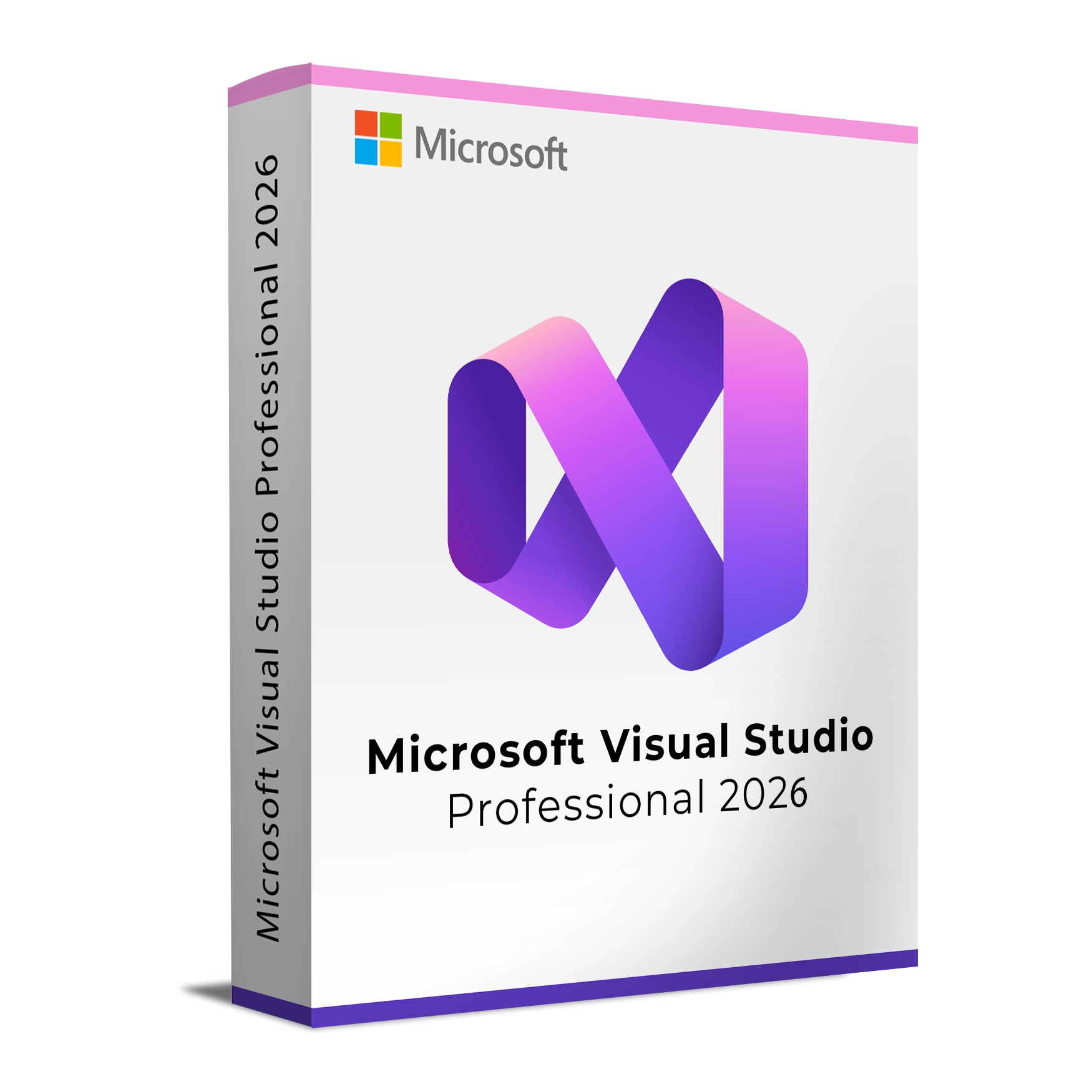
Microsoft Visual Studio Professional 2026 is a powerful, modern IDE for professional developers—offering advanced debugging, intelligent code completion, and seamless collaboration to build high-quality applications faster.

Installation Steps:

  1. Download the Visual Studio Professional 2026 installer from the provided link.
  2. Run the installer and select your required workloads (e.g., .NET desktop, ASP.NET, Azure, C++).
  3. Proceed with installation and allow the setup to complete.
  4. Launch Visual Studio and sign in if prompted.

Activation Notes:

  • Enter your product key from the email provided after purchase.
  • The license is assigned to one user and can be used across multiple devices for that user.

💡 Your activation key and step-by-step setup instructions will be delivered instantly via email.

System Requirements

  • Operating System: Windows 10 (64-bit) version 20H2 or later, Windows 11
  • Processor: 1.8 GHz or faster, quad-core recommended
  • RAM: 8 GB minimum (16 GB recommended)
  • Storage: Up to 50 GB available space depending on workloads
  • Display: 1920 x 1080 resolution or higher
  • Internet: Required for installation, activation, and updates

💡 Higher specifications are recommended for large solutions, containerized workloads, and game development.

Language »