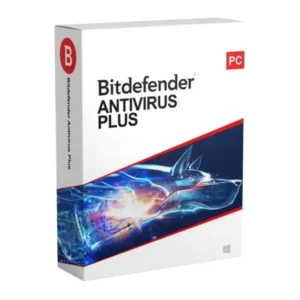
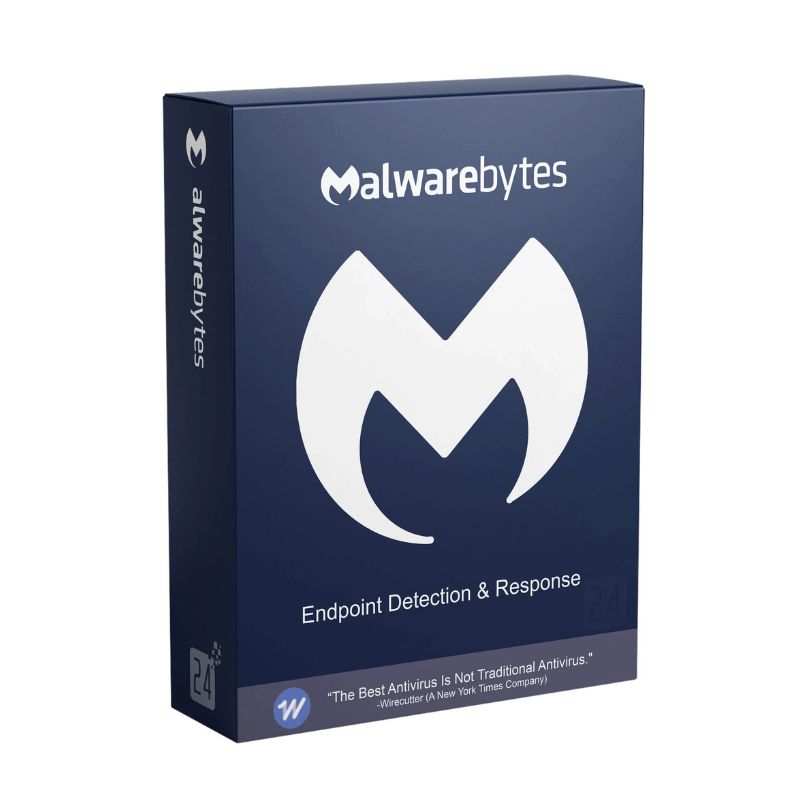
Malwarebytes Endpoint Detection

Price range: $ 90.80 through $ 389.34

Original price was: $ 145.90.Current price is: $ 17.90.

Original price was: $ 245.22.Current price is: $ 25.95.

Original price was: $ 198.50.Current price is: $ 15.95.

Original price was: $ 99.90.Current price is: $ 15.95.

Product Description

Malwarebytes Endpoint Detection is a powerful cybersecurity solution designed for businesses and organizations that require advanced protection against modern cyber threats. It uses behavioral detection, machine learning, and anomaly monitoring to stop malware, ransomware, spyware, and zero-day attacks before they compromise systems.

This enterprise-grade solution provides centralized cloud-based management, allowing IT teams to deploy, monitor, and manage protection across multiple devices from a single dashboard. Malwarebytes Endpoint Protection helps organizations maintain strong security without slowing down endpoints or disrupting productivity.

Key Features & Benefits:

  • Advanced Threat Detection – Detects and blocks malware, ransomware, spyware, and zero-day attacks.
  • Behavior-Based Detection – Uses machine learning and behavioral analysis to stop unknown threats.
  • Exploit Protection – Protects applications from vulnerabilities and exploit attacks.
  • Centralized Cloud Management – Manage and monitor all endpoints from a single dashboard.
  • Real-Time Protection – Continuous monitoring to prevent threats before damage occurs.
  • Lightweight Performance – Minimal impact on system performance and productivity.
  • Automated Threat Response – Automatically isolates and removes detected threats.
  • Enterprise-Ready Security – Designed for businesses, enterprises, and managed service providers.

Malwarebytes Endpoint Protection is ideal for companies seeking reliable and scalable endpoint security to protect their digital infrastructure.

Installation Steps:

  1. Purchase the business license and receive activation credentials via email.
  2. Access the Malwarebytes cloud management console.
  3. Download the endpoint agent installer.
  4. Deploy the agent to devices and activate using your organization’s license.

Activation Notes:

  • Requires a valid business or enterprise license.
  • Internet connection required for deployment, activation, and updates.
  • Endpoint devices are managed through the centralized cloud console.

💡 IT administrators can monitor threats and manage devices directly from the Malwarebytes cloud dashboard.

  • Windows: Windows 10 / 11, Windows Server editions
  • macOS: Supported recent macOS versions
  • Processor: 1 GHz or faster processor
  • RAM: 2 GB minimum (4 GB recommended)
  • Storage: 500 MB available disk space
  • Internet: Required for activation, cloud management, and updates

💡 A stable internet connection is recommended for real-time threat intelligence updates.

Malwarebytes Endpoint Detection is a powerful cybersecurity solution designed for businesses and organizations that require advanced protection against modern cyber threats. It uses behavioral detection, machine learning, and anomaly monitoring to stop malware, ransomware, spyware, and zero-day attacks before they compromise systems.

This enterprise-grade solution provides centralized cloud-based management, allowing IT teams to deploy, monitor, and manage protection across multiple devices from a single dashboard. Malwarebytes Endpoint Protection helps organizations maintain strong security without slowing down endpoints or disrupting productivity.

Key Features & Benefits:

  • Advanced Threat Detection – Detects and blocks malware, ransomware, spyware, and zero-day attacks.
  • Behavior-Based Detection – Uses machine learning and behavioral analysis to stop unknown threats.
  • Exploit Protection – Protects applications from vulnerabilities and exploit attacks.
  • Centralized Cloud Management – Manage and monitor all endpoints from a single dashboard.
  • Real-Time Protection – Continuous monitoring to prevent threats before damage occurs.
  • Lightweight Performance – Minimal impact on system performance and productivity.
  • Automated Threat Response – Automatically isolates and removes detected threats.
  • Enterprise-Ready Security – Designed for businesses, enterprises, and managed service providers.

Malwarebytes Endpoint Protection is ideal for companies seeking reliable and scalable endpoint security to protect their digital infrastructure.

Installation Steps:

  1. Purchase the business license and receive activation credentials via email.
  2. Access the Malwarebytes cloud management console.
  3. Download the endpoint agent installer.
  4. Deploy the agent to devices and activate using your organization’s license.

Activation Notes:

  • Requires a valid business or enterprise license.
  • Internet connection required for deployment, activation, and updates.
  • Endpoint devices are managed through the centralized cloud console.

💡 IT administrators can monitor threats and manage devices directly from the Malwarebytes cloud dashboard.

  • Windows: Windows 10 / 11, Windows Server editions
  • macOS: Supported recent macOS versions
  • Processor: 1 GHz or faster processor
  • RAM: 2 GB minimum (4 GB recommended)
  • Storage: 500 MB available disk space
  • Internet: Required for activation, cloud management, and updates

💡 A stable internet connection is recommended for real-time threat intelligence updates.
Language »