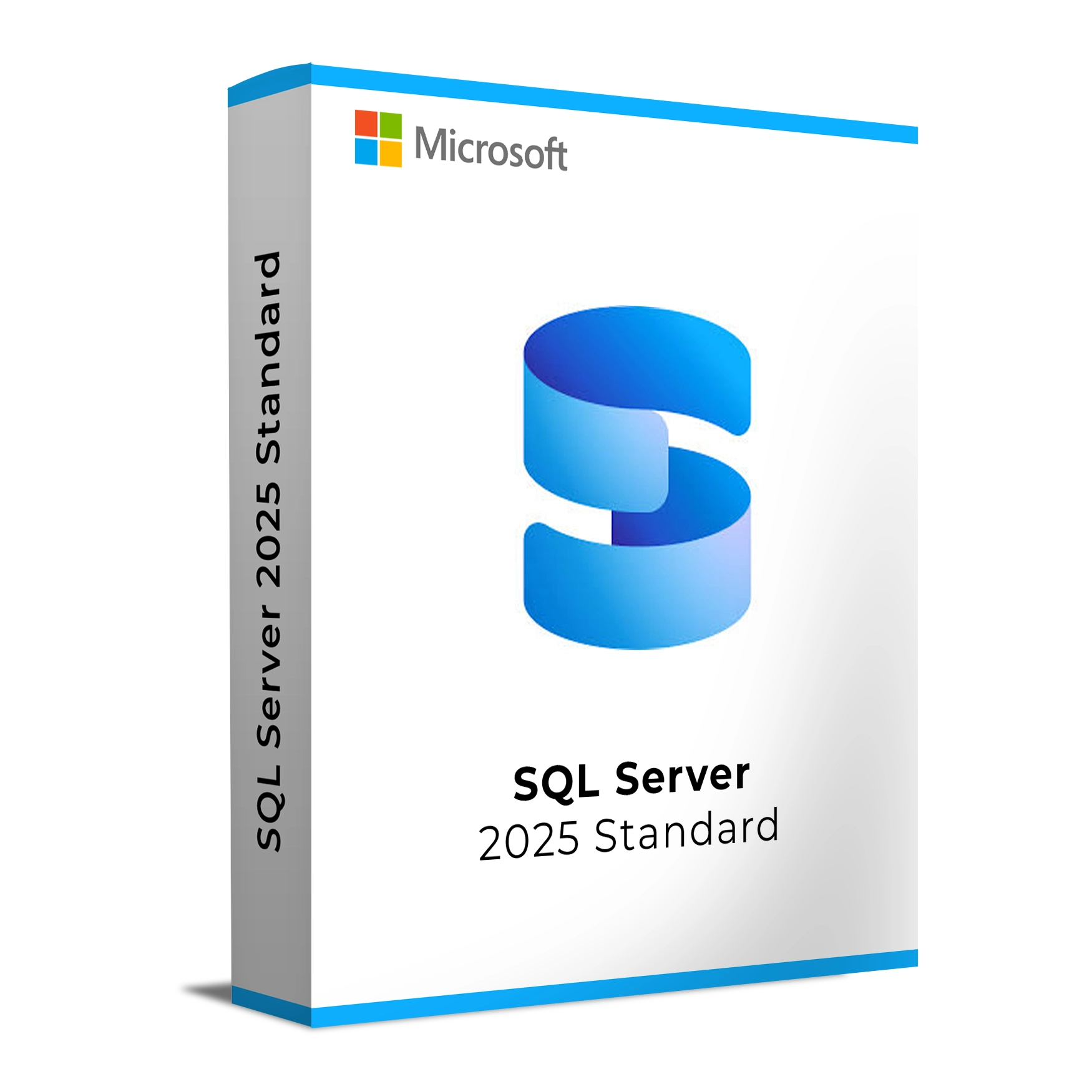
Microsoft SQL Server 2025 Standard is designed to meet the needs of small and medium-sized businesses with demanding data workloads. It offers a wide range of tools for database management, data analytics, and business intelligence. SQL Server 2025 provides a robust, reliable, and cost-effective solution for companies looking to streamline their data management processes without compromising performance or security.
With features like advanced data processing, built-in security, and seamless cloud integration, SQL Server 2025 is ideal for businesses that need an enterprise-grade database solution without the complexity or high cost of more advanced versions like Enterprise. It supports both traditional applications and modern, cloud-based workloads, making it a versatile option for businesses of all kinds.
Key Features & Benefits:
Scalability – Scales with your business, handling growing data and high transaction volumes with ease.
Advanced Security – Includes encryption, auditing, and compliance features to protect sensitive data.
High Availability – Always-On availability groups and disaster recovery solutions to minimize downtime.
Data Analytics & Reporting – Built-in business intelligence tools and real-time analytics for smarter decision-making.
Integration with Cloud – Seamless integration with Azure and hybrid cloud environments for flexible, scalable solutions.
Cost-Effective Solution – A budget-friendly alternative for companies needing reliable database management without the complexity of enterprise editions.
Microsoft SQL Server 2025 Standard is ideal for businesses looking for an easy-to-manage, secure, and reliable database solution that provides high availability and business intelligence capabilities.
Installation and Activation
Installation Steps:
Download the SQL Server 2025 installation package from the official Microsoft website or your order confirmation email.
Run the installer and select your desired configuration (e.g., database engine, reporting services, etc.).
Follow the installation wizard, selecting features based on your requirements.
Enter your product key during the installation process to activate the software.
Once installation is complete, configure your SQL Server instance and apply necessary updates.
Activation Notes:
Activation can be done online using the provided product key.
The license is tied to the server hardware and is non-transferable once activated.
💡 You will receive your activation key and full setup instructions via email immediately after purchase.
System Requirements
Operating System:
Windows Server 2022, 2019, 2016
Windows 10 (64-bit)
Processor: 1.4 GHz or faster, dual-core (64-bit)
RAM: 4 GB minimum (8 GB recommended)
Storage: 6 GB available disk space for SQL Server installation
Graphics: DirectX 9 or later with WDDM 1.0 driver
Internet: Required for activation, updates, and cloud-based features
💡 Ensure your server hardware meets the system requirements to maximize SQL Server performance, especially for high-demand databases.
Microsoft SQL Server 2025 Standard is designed to meet the needs of small and medium-sized businesses with demanding data workloads. It offers a wide range of tools for database management, data analytics, and business intelligence. SQL Server 2025 provides a robust, reliable, and cost-effective solution for companies looking to streamline their data management processes without compromising performance or security.
With features like advanced data processing, built-in security, and seamless cloud integration, SQL Server 2025 is ideal for businesses that need an enterprise-grade database solution without the complexity or high cost of more advanced versions like Enterprise. It supports both traditional applications and modern, cloud-based workloads, making it a versatile option for businesses of all kinds.
Key Features & Benefits:
Scalability – Scales with your business, handling growing data and high transaction volumes with ease.
Advanced Security – Includes encryption, auditing, and compliance features to protect sensitive data.
High Availability – Always-On availability groups and disaster recovery solutions to minimize downtime.
Data Analytics & Reporting – Built-in business intelligence tools and real-time analytics for smarter decision-making.
Integration with Cloud – Seamless integration with Azure and hybrid cloud environments for flexible, scalable solutions.
Cost-Effective Solution – A budget-friendly alternative for companies needing reliable database management without the complexity of enterprise editions.
Microsoft SQL Server 2025 Standard is ideal for businesses looking for an easy-to-manage, secure, and reliable database solution that provides high availability and business intelligence capabilities.
Installation Steps:
Download the SQL Server 2025 installation package from the official Microsoft website or your order confirmation email.
Run the installer and select your desired configuration (e.g., database engine, reporting services, etc.).
Follow the installation wizard, selecting features based on your requirements.
Enter your product key during the installation process to activate the software.
Once installation is complete, configure your SQL Server instance and apply necessary updates.
Activation Notes:
Activation can be done online using the provided product key.
The license is tied to the server hardware and is non-transferable once activated.
💡 You will receive your activation key and full setup instructions via email immediately after purchase.
Operating System:
Windows Server 2022, 2019, 2016
Windows 10 (64-bit)
Processor: 1.4 GHz or faster, dual-core (64-bit)
RAM: 4 GB minimum (8 GB recommended)
Storage: 6 GB available disk space for SQL Server installation
Graphics: DirectX 9 or later with WDDM 1.0 driver
Internet: Required for activation, updates, and cloud-based features
💡 Ensure your server hardware meets the system requirements to maximize SQL Server performance, especially for high-demand databases.