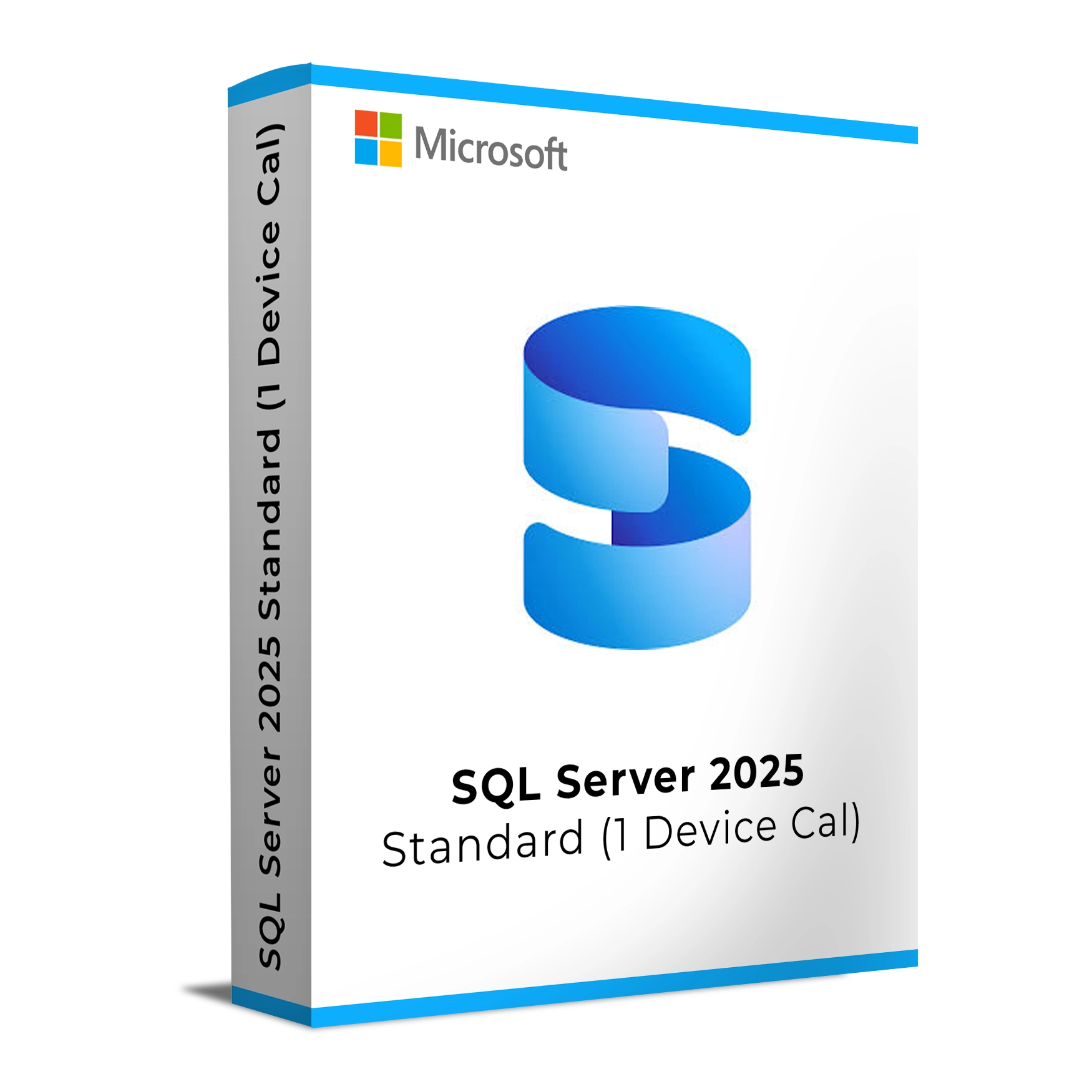
Microsoft SQL Server 2025 Standard 1 Device CAL provides a reliable, high-performance database management solution for small to medium-sized businesses. This version includes the SQL Server Standard edition, which offers essential database features like data storage, security, and business intelligence tools. The 1 Device Client Access License (CAL) allows a single device to connect to SQL Server, making it a flexible and cost-effective licensing option for organizations with shared devices or workstations.
SQL Server 2025 Standard offers advanced security features, high availability, and efficient data management tools, while the 1 Device CAL allows businesses to save on licensing costs by licensing based on devices rather than individual users.
Key Features & Benefits:
Cost-Effective Licensing – The 1 Device CAL allows a single device to access SQL Server, ideal for shared workstations or kiosks.
Advanced Security – Includes features like Transparent Data Encryption (TDE), Always Encrypted, and Dynamic Data Masking to protect sensitive data.
High Availability – Built-in features like Always On Availability Groups for fault tolerance and disaster recovery.
Data Analytics & Reporting – Built-in business intelligence tools for generating real-time insights and reports.
Integration with Cloud Services – Seamlessly integrates with Microsoft Azure for cloud-based data management.
Flexible Licensing – Ideal for businesses that need a cost-effective solution for shared devices or limited access scenarios.
Microsoft SQL Server 2025 Standard 1 Device CAL is the perfect choice for businesses with limited device access requirements but still need the power of SQL Server’s data management and security features.
Installation and Activation
Installation Steps:
Download the SQL Server 2025 installation package from the official Microsoft website or your confirmation email.
Run the setup file and select the necessary components for your SQL Server instance (e.g., database engine, reporting services, etc.).
Follow the installation wizard, configuring server settings such as authentication mode, data storage paths, and security options.
Enter your product key to activate the SQL Server during installation.
Once the installation is complete, configure your Device CAL by adding the device through SQL Server Management Studio (SSMS).
Activation Notes:
Activation requires a product key, which will be provided after purchase.
Device CALs are tied to a specific device and can be used by any number of users who access SQL Server from that device.
💡 Your activation key and setup instructions will be delivered via email immediately after purchase.
System Requirements
Operating System:
Windows Server 2022, 2019, or 2016
Windows 10 (64-bit)
Processor: 1.4 GHz or faster, dual-core (64-bit)
RAM: 4 GB minimum (8 GB recommended)
Storage: 6 GB of available disk space (minimum)
Graphics: DirectX 9 or later with WDDM 1.0 driver
Internet: Required for activation, updates, and cloud-based features
Microsoft SQL Server 2025 Standard 1 Device CAL provides a reliable, high-performance database management solution for small to medium-sized businesses. This version includes the SQL Server Standard edition, which offers essential database features like data storage, security, and business intelligence tools. The 1 Device Client Access License (CAL) allows a single device to connect to SQL Server, making it a flexible and cost-effective licensing option for organizations with shared devices or workstations.
SQL Server 2025 Standard offers advanced security features, high availability, and efficient data management tools, while the 1 Device CAL allows businesses to save on licensing costs by licensing based on devices rather than individual users.
Key Features & Benefits:
Cost-Effective Licensing – The 1 Device CAL allows a single device to access SQL Server, ideal for shared workstations or kiosks.
Advanced Security – Includes features like Transparent Data Encryption (TDE), Always Encrypted, and Dynamic Data Masking to protect sensitive data.
High Availability – Built-in features like Always On Availability Groups for fault tolerance and disaster recovery.
Data Analytics & Reporting – Built-in business intelligence tools for generating real-time insights and reports.
Integration with Cloud Services – Seamlessly integrates with Microsoft Azure for cloud-based data management.
Flexible Licensing – Ideal for businesses that need a cost-effective solution for shared devices or limited access scenarios.
Microsoft SQL Server 2025 Standard 1 Device CAL is the perfect choice for businesses with limited device access requirements but still need the power of SQL Server’s data management and security features.
Installation Steps:
Download the SQL Server 2025 installation package from the official Microsoft website or your confirmation email.
Run the setup file and select the necessary components for your SQL Server instance (e.g., database engine, reporting services, etc.).
Follow the installation wizard, configuring server settings such as authentication mode, data storage paths, and security options.
Enter your product key to activate the SQL Server during installation.
Once the installation is complete, configure your Device CAL by adding the device through SQL Server Management Studio (SSMS).
Activation Notes:
Activation requires a product key, which will be provided after purchase.
Device CALs are tied to a specific device and can be used by any number of users who access SQL Server from that device.
💡 Your activation key and setup instructions will be delivered via email immediately after purchase.
Operating System:
Windows Server 2022, 2019, or 2016
Windows 10 (64-bit)
Processor: 1.4 GHz or faster, dual-core (64-bit)
RAM: 4 GB minimum (8 GB recommended)
Storage: 6 GB of available disk space (minimum)
Graphics: DirectX 9 or later with WDDM 1.0 driver
Internet: Required for activation, updates, and cloud-based features