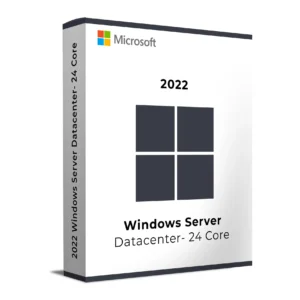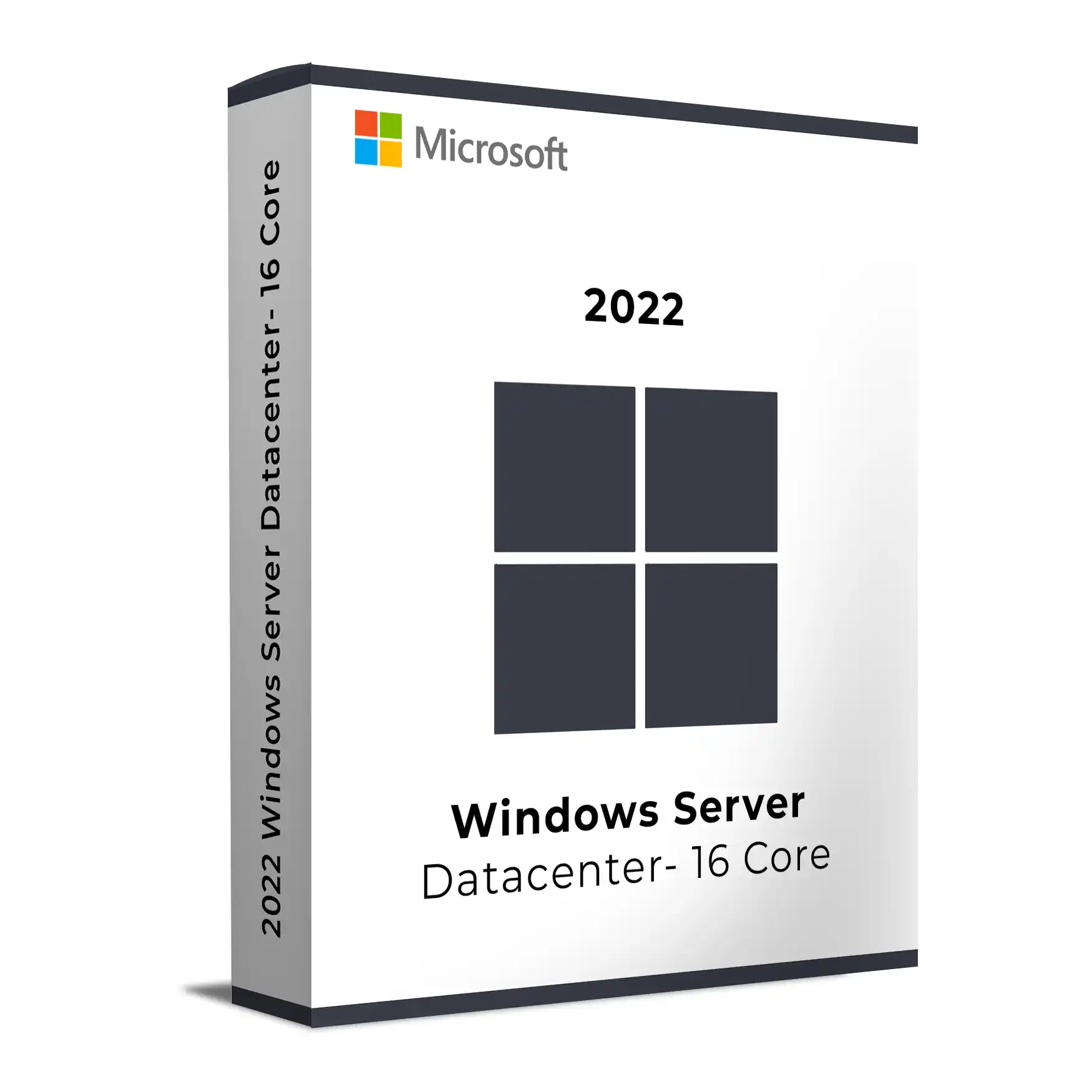
Microsoft Windows Server 2022 Datacenter

Price range: $ 59.70 through $ 117.30

Original price was: $ 145.90.Current price is: $ 17.90.

Original price was: $ 245.22.Current price is: $ 25.95.

Original price was: $ 198.50.Current price is: $ 15.95.

Original price was: $ 99.90.Current price is: $ 15.95.

Product Description

Microsoft Windows Server 2022 Datacenter Product Key

The Microsoft Windows Server 2022 Datacenter Product Key is designed for enterprise environments that require maximum virtualization, advanced security, and software-defined datacenter capabilities. Built on Microsoft’s Long-Term Servicing Channel (LTSC), Windows Server 2022 Datacenter delivers powerful infrastructure tools for highly virtualized workloads and hybrid cloud deployments.

With unlimited virtualization rights, advanced storage technologies, and deep Azure integration, Windows Server 2022 Datacenter enables organizations to run large numbers of virtual machines, manage high-performance storage environments, and build scalable hybrid infrastructures.

Windows Server licensing is based on physical CPU cores. Select the appropriate core count for your server hardware from the options above. Microsoft requires a minimum of 16 cores per server.

Key Features of Windows Server 2022 Datacenter

  • Unlimited Virtualization: Run unlimited Windows Server virtual machines when all physical cores on the host server are properly licensed.
  • Software-Defined Datacenter: Includes Software Defined Networking (SDN), Storage Spaces Direct, and advanced virtualization infrastructure.
  • Core-Based Licensing: Flexible licensing model based on the number of physical CPU cores installed in your server hardware.
  • Advanced Security: Includes Secured-Core Server protection, Shielded Virtual Machines, TPM 2.0 support, and enhanced credential protection.
  • Hybrid Cloud Integration: Connect seamlessly with Microsoft Azure using Azure Arc and Windows Admin Center.
  • Advanced Storage Capabilities: Storage Replica (unlimited), Storage Spaces Direct, data deduplication, and high-performance storage management.
  • Enterprise Management Tools: Hyper-V virtualization, Windows Admin Center, PowerShell automation, and Group Policy management.

Ideal Use Cases

Windows Server 2022 Datacenter is designed for organizations running highly virtualized infrastructure or managing large enterprise datacenter environments.

  • Enterprise datacenters
  • Cloud hosting providers
  • Private and hybrid cloud infrastructure
  • High-density virtualization environments
  • Mission-critical enterprise workloads
  • Large-scale application hosting platforms

Core Licensing Explained

Windows Server Datacenter uses a per-core licensing model. Each physical CPU core installed in the server must be licensed.

  • Minimum licensing requirement: 16 cores per server
  • Servers with additional cores require additional core licenses
  • Licensing all cores allows unlimited virtual machines on that server

For example:

  • Server with 16 cores → Select 16-Core License
  • Server with 24 cores → Select 24-Core License
  • Servers with higher core counts → Add additional core licenses accordingly

This licensing model allows full scalability for enterprise virtualization environments while maintaining Microsoft licensing compliance.

What You Will Receive

  • Genuine Microsoft Windows Server 2022 Datacenter Product Key
  • Official Microsoft ISO download instructions
  • Detailed installation and activation guide
  • Instant digital delivery via email
  • Free technical support for installation and activation

System Requirements

  • Processor: 1.4 GHz 64-bit processor or faster
  • RAM: Minimum 2 GB
  • Storage: At least 32 GB available disk space
  • Firmware: UEFI 2.3.1c with Secure Boot recommended
  • Security: TPM 2.0 support recommended

Windows Server 2022 Standard vs Datacenter

Feature Standard Datacenter
Virtual Machines Up to 2 VMs Unlimited
Software Defined Networking No Yes
Storage Replica Limited Unlimited
Shielded Virtual Machines No Yes

Need Help?

If you require assistance installing or activating your server license, our technical team can help. Visit our server installation guides
for step-by-step tutorials and troubleshooting tips.

Related Products

Buy Windows Server 2022 Datacenter with Confidence

When purchasing from Keys Experts, you receive a genuine Windows Server license with instant digital delivery and reliable support. IT professionals and organizations worldwide trust our licenses to deploy secure, scalable, and high-performance server infrastructure.


Learn more about Windows Server 2022 on the official Microsoft documentation
.

Activation Process:

  1. Install Windows Server 2022 Datacenter on your system.
  2. Go to Settings > Update & Security > Activation.
  3. Enter your 16-core license key when prompted.
  4. Click Activate to verify your license with Microsoft servers.
  5. Restart your system if necessary and enjoy lifetime activation.

For offline activation, you can activate via the Microsoft Activation Center using the phone-based activation method.

Installation Process:

  1. Download Windows Server 2022 Datacenter from the official Microsoft website or use the installation media.
  2. Boot from the installation media and choose your installation method.
  3. Select Custom Install for a fresh setup or Upgrade if transitioning from an older version.
  4. Choose the appropriate disk partition and proceed with the installation.
  5. Follow the on-screen instructions to complete setup.
  6. Once installed, enter your product key and complete the activation process.

Need help? Our 24/7 support team is available for installation and activation assistance!

  • Processor: 1.4 GHz 64-bit processor (compatible with x64 architecture)
  • Cores: Licensed for 16-core deployments
  • RAM: Minimum 2GB, recommended 16GB or more for optimal performance
  • Storage: Minimum 36GB of available disk space (additional space required for installation)
  • Network: Gigabit Ethernet adapter for network connectivity
  • Graphics: DirectX 9 or later with WDDM 1.0 driver
  • Firmware: UEFI-based system with Secure Boot enabled
  • TPM: Trusted Platform Module (TPM) 2.0 required for enhanced security

For best performance, ensure your system meets or exceeds the recommended hardware specifications.

Microsoft Windows Server 2022 Datacenter Product Key

The Microsoft Windows Server 2022 Datacenter Product Key is designed for enterprise environments that require maximum virtualization, advanced security, and software-defined datacenter capabilities. Built on Microsoft’s Long-Term Servicing Channel (LTSC), Windows Server 2022 Datacenter delivers powerful infrastructure tools for highly virtualized workloads and hybrid cloud deployments.

With unlimited virtualization rights, advanced storage technologies, and deep Azure integration, Windows Server 2022 Datacenter enables organizations to run large numbers of virtual machines, manage high-performance storage environments, and build scalable hybrid infrastructures.

Windows Server licensing is based on physical CPU cores. Select the appropriate core count for your server hardware from the options above. Microsoft requires a minimum of 16 cores per server.

Key Features of Windows Server 2022 Datacenter

  • Unlimited Virtualization: Run unlimited Windows Server virtual machines when all physical cores on the host server are properly licensed.
  • Software-Defined Datacenter: Includes Software Defined Networking (SDN), Storage Spaces Direct, and advanced virtualization infrastructure.
  • Core-Based Licensing: Flexible licensing model based on the number of physical CPU cores installed in your server hardware.
  • Advanced Security: Includes Secured-Core Server protection, Shielded Virtual Machines, TPM 2.0 support, and enhanced credential protection.
  • Hybrid Cloud Integration: Connect seamlessly with Microsoft Azure using Azure Arc and Windows Admin Center.
  • Advanced Storage Capabilities: Storage Replica (unlimited), Storage Spaces Direct, data deduplication, and high-performance storage management.
  • Enterprise Management Tools: Hyper-V virtualization, Windows Admin Center, PowerShell automation, and Group Policy management.

Ideal Use Cases

Windows Server 2022 Datacenter is designed for organizations running highly virtualized infrastructure or managing large enterprise datacenter environments.

  • Enterprise datacenters
  • Cloud hosting providers
  • Private and hybrid cloud infrastructure
  • High-density virtualization environments
  • Mission-critical enterprise workloads
  • Large-scale application hosting platforms

Core Licensing Explained

Windows Server Datacenter uses a per-core licensing model. Each physical CPU core installed in the server must be licensed.

  • Minimum licensing requirement: 16 cores per server
  • Servers with additional cores require additional core licenses
  • Licensing all cores allows unlimited virtual machines on that server

For example:

  • Server with 16 cores → Select 16-Core License
  • Server with 24 cores → Select 24-Core License
  • Servers with higher core counts → Add additional core licenses accordingly

This licensing model allows full scalability for enterprise virtualization environments while maintaining Microsoft licensing compliance.

What You Will Receive

  • Genuine Microsoft Windows Server 2022 Datacenter Product Key
  • Official Microsoft ISO download instructions
  • Detailed installation and activation guide
  • Instant digital delivery via email
  • Free technical support for installation and activation

System Requirements

  • Processor: 1.4 GHz 64-bit processor or faster
  • RAM: Minimum 2 GB
  • Storage: At least 32 GB available disk space
  • Firmware: UEFI 2.3.1c with Secure Boot recommended
  • Security: TPM 2.0 support recommended

Windows Server 2022 Standard vs Datacenter

Feature Standard Datacenter
Virtual Machines Up to 2 VMs Unlimited
Software Defined Networking No Yes
Storage Replica Limited Unlimited
Shielded Virtual Machines No Yes

Need Help?

If you require assistance installing or activating your server license, our technical team can help. Visit our server installation guides
for step-by-step tutorials and troubleshooting tips.

Related Products

Buy Windows Server 2022 Datacenter with Confidence

When purchasing from Keys Experts, you receive a genuine Windows Server license with instant digital delivery and reliable support. IT professionals and organizations worldwide trust our licenses to deploy secure, scalable, and high-performance server infrastructure.


Learn more about Windows Server 2022 on the official Microsoft documentation
.

Activation Process:

  1. Install Windows Server 2022 Datacenter on your system.
  2. Go to Settings > Update & Security > Activation.
  3. Enter your 16-core license key when prompted.
  4. Click Activate to verify your license with Microsoft servers.
  5. Restart your system if necessary and enjoy lifetime activation.

For offline activation, you can activate via the Microsoft Activation Center using the phone-based activation method.

Installation Process:

  1. Download Windows Server 2022 Datacenter from the official Microsoft website or use the installation media.
  2. Boot from the installation media and choose your installation method.
  3. Select Custom Install for a fresh setup or Upgrade if transitioning from an older version.
  4. Choose the appropriate disk partition and proceed with the installation.
  5. Follow the on-screen instructions to complete setup.
  6. Once installed, enter your product key and complete the activation process.

Need help? Our 24/7 support team is available for installation and activation assistance!

  • Processor: 1.4 GHz 64-bit processor (compatible with x64 architecture)
  • Cores: Licensed for 16-core deployments
  • RAM: Minimum 2GB, recommended 16GB or more for optimal performance
  • Storage: Minimum 36GB of available disk space (additional space required for installation)
  • Network: Gigabit Ethernet adapter for network connectivity
  • Graphics: DirectX 9 or later with WDDM 1.0 driver
  • Firmware: UEFI-based system with Secure Boot enabled
  • TPM: Trusted Platform Module (TPM) 2.0 required for enhanced security

For best performance, ensure your system meets or exceeds the recommended hardware specifications.
Language »