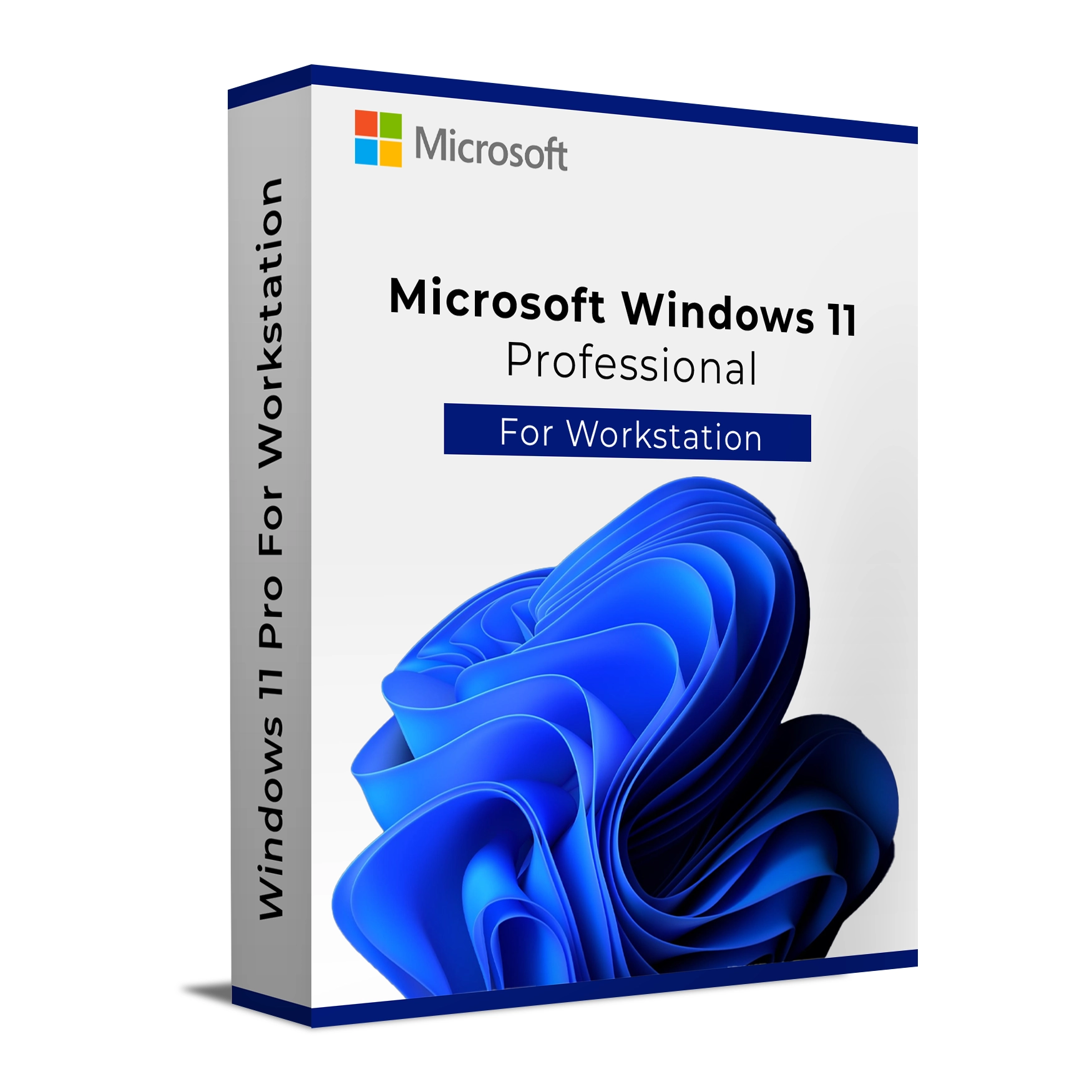
Windows 11 Professional Workstation is tailored for users who require an operating system capable of supporting intensive workflows and demanding applications. With enhanced performance capabilities, hardware support for up to 4 CPUs, and the ability to use up to 6 TB of RAM, this edition is perfect for professionals working in industries such as engineering, architecture, and content creation.
It provides advanced features like ReFS (Resilient File System) for greater data integrity, high-performance storage, and support for non-volatile memory devices. Designed for users who need to work with large datasets or perform complex computations, Windows 11 Professional Workstation offers the power and tools necessary to achieve the highest levels of productivity and efficiency.
Key Features & Benefits:
ReFS (Resilient File System) – Provides greater data integrity and faster file recovery to protect critical data.
Enhanced Hardware Support – Supports up to 4 CPUs and 6 TB of RAM for maximum performance in demanding environments.
Non-Volatile Memory Support – Optimized for fast data access with non-volatile memory devices.
Virtualization Support – Enables Hyper-V to create and manage virtual machines for testing or isolated environments.
Improved File Storage & Security – BitLocker and other security tools help protect sensitive data with full-device encryption.
Remote Desktop Support – Provides seamless remote access to workstations for remote work environments.
Windows 11 Professional Workstation is ideal for users who need the highest level of performance, security, and hardware support to power their resource-heavy applications and professional workloads.
Installation and Activation
Installation Steps:
Download the official Windows 11 Professional Workstation ISO from Microsoft or your order confirmation email.
Create a bootable USB drive or use other installation media to begin the installation process.
Follow the on-screen instructions to configure system settings and install Windows 11 Professional Workstation.
Enter your product key during installation to activate the operating system.
Once installation is complete, configure your workstation settings and update drivers as needed.
Activation Notes:
Activation is required and can be completed online via your Microsoft account.
License is tied to the device and cannot be transferred once activated.
💡 Activation key and installation instructions will be provided immediately after purchase.
System Requirements
Operating System: Windows 11 Professional Workstation
Processor: 1.8 GHz or faster, quad-core or higher (supports up to 4 CPUs)
RAM: 8 GB minimum (16 GB or more recommended for demanding workloads)
Storage: 64 GB available disk space
Graphics: DirectX 12 compatible GPU with WDDM 2.x driver
Display: 1920 x 1080 resolution or higher
Internet: Required for activation and updates
💡 Ensure your hardware meets the system requirements to take full advantage of Workstation features like high RAM support and multi-CPU configurations.
Windows 11 Professional Workstation is tailored for users who require an operating system capable of supporting intensive workflows and demanding applications. With enhanced performance capabilities, hardware support for up to 4 CPUs, and the ability to use up to 6 TB of RAM, this edition is perfect for professionals working in industries such as engineering, architecture, and content creation.
It provides advanced features like ReFS (Resilient File System) for greater data integrity, high-performance storage, and support for non-volatile memory devices. Designed for users who need to work with large datasets or perform complex computations, Windows 11 Professional Workstation offers the power and tools necessary to achieve the highest levels of productivity and efficiency.
Key Features & Benefits:
ReFS (Resilient File System) – Provides greater data integrity and faster file recovery to protect critical data.
Enhanced Hardware Support – Supports up to 4 CPUs and 6 TB of RAM for maximum performance in demanding environments.
Non-Volatile Memory Support – Optimized for fast data access with non-volatile memory devices.
Virtualization Support – Enables Hyper-V to create and manage virtual machines for testing or isolated environments.
Improved File Storage & Security – BitLocker and other security tools help protect sensitive data with full-device encryption.
Remote Desktop Support – Provides seamless remote access to workstations for remote work environments.
Windows 11 Professional Workstation is ideal for users who need the highest level of performance, security, and hardware support to power their resource-heavy applications and professional workloads.
Installation Steps:
Download the official Windows 11 Professional Workstation ISO from Microsoft or your order confirmation email.
Create a bootable USB drive or use other installation media to begin the installation process.
Follow the on-screen instructions to configure system settings and install Windows 11 Professional Workstation.
Enter your product key during installation to activate the operating system.
Once installation is complete, configure your workstation settings and update drivers as needed.
Activation Notes:
Activation is required and can be completed online via your Microsoft account.
License is tied to the device and cannot be transferred once activated.
💡 Activation key and installation instructions will be provided immediately after purchase.
Operating System: Windows 11 Professional Workstation
Processor: 1.8 GHz or faster, quad-core or higher (supports up to 4 CPUs)
RAM: 8 GB minimum (16 GB or more recommended for demanding workloads)
Storage: 64 GB available disk space
Graphics: DirectX 12 compatible GPU with WDDM 2.x driver
Display: 1920 x 1080 resolution or higher
Internet: Required for activation and updates
💡 Ensure your hardware meets the system requirements to take full advantage of Workstation features like high RAM support and multi-CPU configurations.