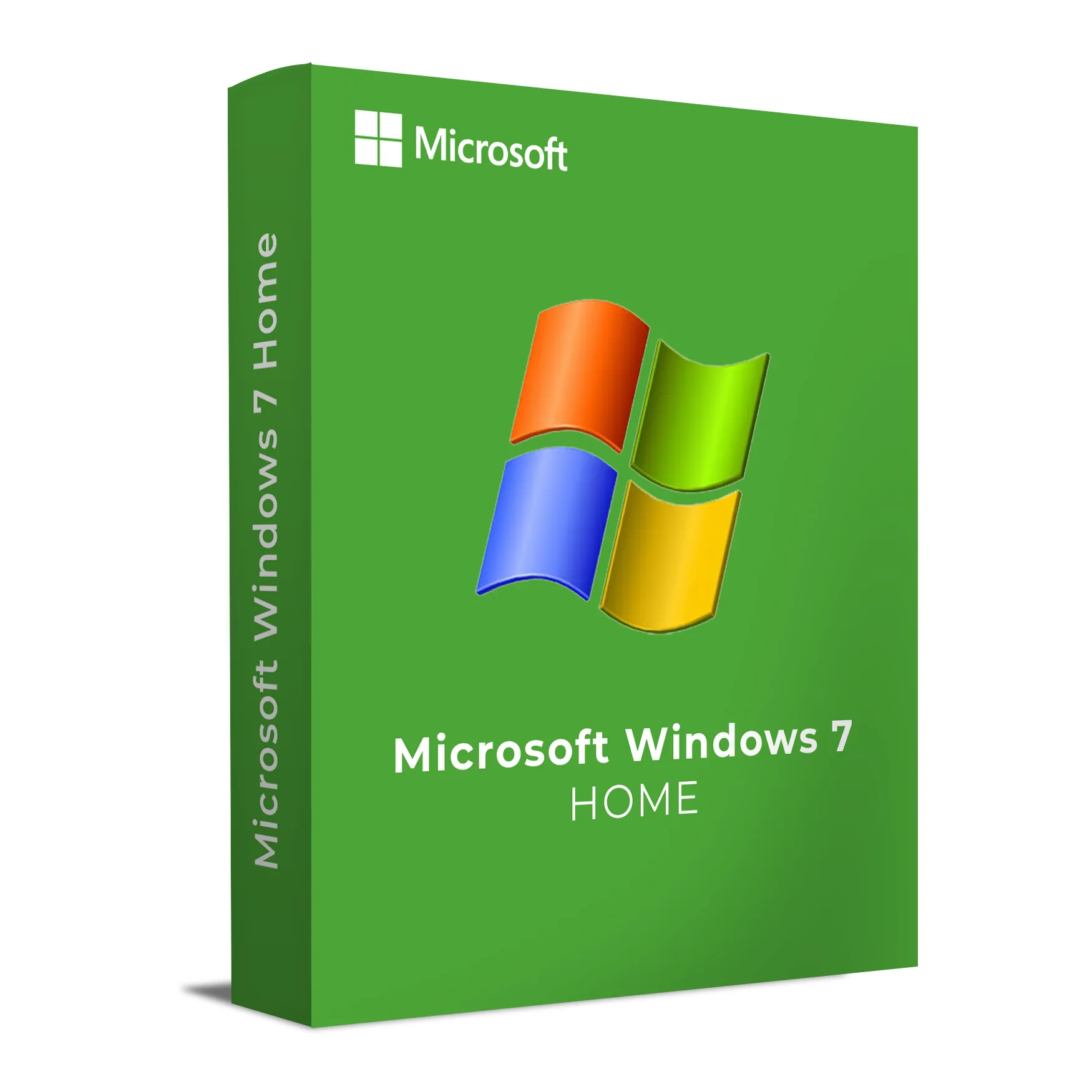
Windows 7 Home is a simple, reliable operating system ideal for home use. It provides a familiar interface and powerful tools for managing documents, browsing the web, enjoying multimedia, and maintaining day-to-day computing tasks. Designed to work seamlessly on personal computers and laptops, Windows 7 Home offers the right balance of performance, simplicity, and security for home users who don’t need the advanced features of the Professional or Ultimate editions.
This version of Windows 7 is optimized for media consumption, internet browsing, and general productivity, making it perfect for families and home offices that need a cost-effective and dependable operating system.
Key Features & Benefits:
Familiar Interface – Easy-to-use interface with features like Aero Glass for enhanced visuals and simplified navigation.
Media Management – Includes Windows Media Center for managing music, videos, and photos in one place.
Fast Boot-Up – Enhanced boot-up times and overall system performance for smoother daily use.
Internet Explorer 8 – Improved browsing experience with faster page load times and enhanced security features.
Windows Search – Quickly find files, programs, and settings with the powerful search tool built into the Start menu.
Automatic Windows Updates – Stay up-to-date with regular patches and security updates to keep your system running securely.
Windows 7 Home is the perfect choice for personal computing and home entertainment, providing essential tools and stability without the complexity of advanced enterprise features.
Installation and Activation
Insert the installation disc or connect the bootable USB containing Windows 7 Home.
Restart your computer and boot from the installation media.
Follow the on-screen instructions to select your language, time zone, and installation preferences.
Enter your product key during the installation process to activate Windows 7 Home.
After installation, configure your user accounts and apply any necessary updates.
Activation Notes:
Activation is required during installation and can be completed online or via phone.
The product key is tied to the specific device where Windows is installed and cannot be transferred once activated.
💡 You will receive your product key and full installation instructions via email immediately after purchase.
System Requirements
Operating System: Windows 7 Home
Processor: 1 GHz or faster (32-bit or 64-bit)
RAM: 1 GB (32-bit) or 2 GB (64-bit)
Storage: 16 GB (32-bit) or 20 GB (64-bit) of available disk space
Graphics: DirectX 9 or later with WDDM 1.0 driver
Display: 1024 x 768 resolution or higher
Internet: Required for activation, updates, and web browsing
💡 Ensure that your hardware meets these requirements to run Windows 7 Home effectively on your system.
Windows 7 Home is a simple, reliable operating system ideal for home use. It provides a familiar interface and powerful tools for managing documents, browsing the web, enjoying multimedia, and maintaining day-to-day computing tasks. Designed to work seamlessly on personal computers and laptops, Windows 7 Home offers the right balance of performance, simplicity, and security for home users who don’t need the advanced features of the Professional or Ultimate editions.
This version of Windows 7 is optimized for media consumption, internet browsing, and general productivity, making it perfect for families and home offices that need a cost-effective and dependable operating system.
Key Features & Benefits:
Familiar Interface – Easy-to-use interface with features like Aero Glass for enhanced visuals and simplified navigation.
Media Management – Includes Windows Media Center for managing music, videos, and photos in one place.
Fast Boot-Up – Enhanced boot-up times and overall system performance for smoother daily use.
Internet Explorer 8 – Improved browsing experience with faster page load times and enhanced security features.
Windows Search – Quickly find files, programs, and settings with the powerful search tool built into the Start menu.
Automatic Windows Updates – Stay up-to-date with regular patches and security updates to keep your system running securely.
Windows 7 Home is the perfect choice for personal computing and home entertainment, providing essential tools and stability without the complexity of advanced enterprise features.
Insert the installation disc or connect the bootable USB containing Windows 7 Home.
Restart your computer and boot from the installation media.
Follow the on-screen instructions to select your language, time zone, and installation preferences.
Enter your product key during the installation process to activate Windows 7 Home.
After installation, configure your user accounts and apply any necessary updates.
Activation Notes:
Activation is required during installation and can be completed online or via phone.
The product key is tied to the specific device where Windows is installed and cannot be transferred once activated.
💡 You will receive your product key and full installation instructions via email immediately after purchase.
Operating System: Windows 7 Home
Processor: 1 GHz or faster (32-bit or 64-bit)
RAM: 1 GB (32-bit) or 2 GB (64-bit)
Storage: 16 GB (32-bit) or 20 GB (64-bit) of available disk space
Graphics: DirectX 9 or later with WDDM 1.0 driver
Display: 1024 x 768 resolution or higher
Internet: Required for activation, updates, and web browsing
💡 Ensure that your hardware meets these requirements to run Windows 7 Home effectively on your system.