SKU : 31007
$ 46.40 Original price was: $ 46.40.$ 26.45Current price is: $ 26.45.
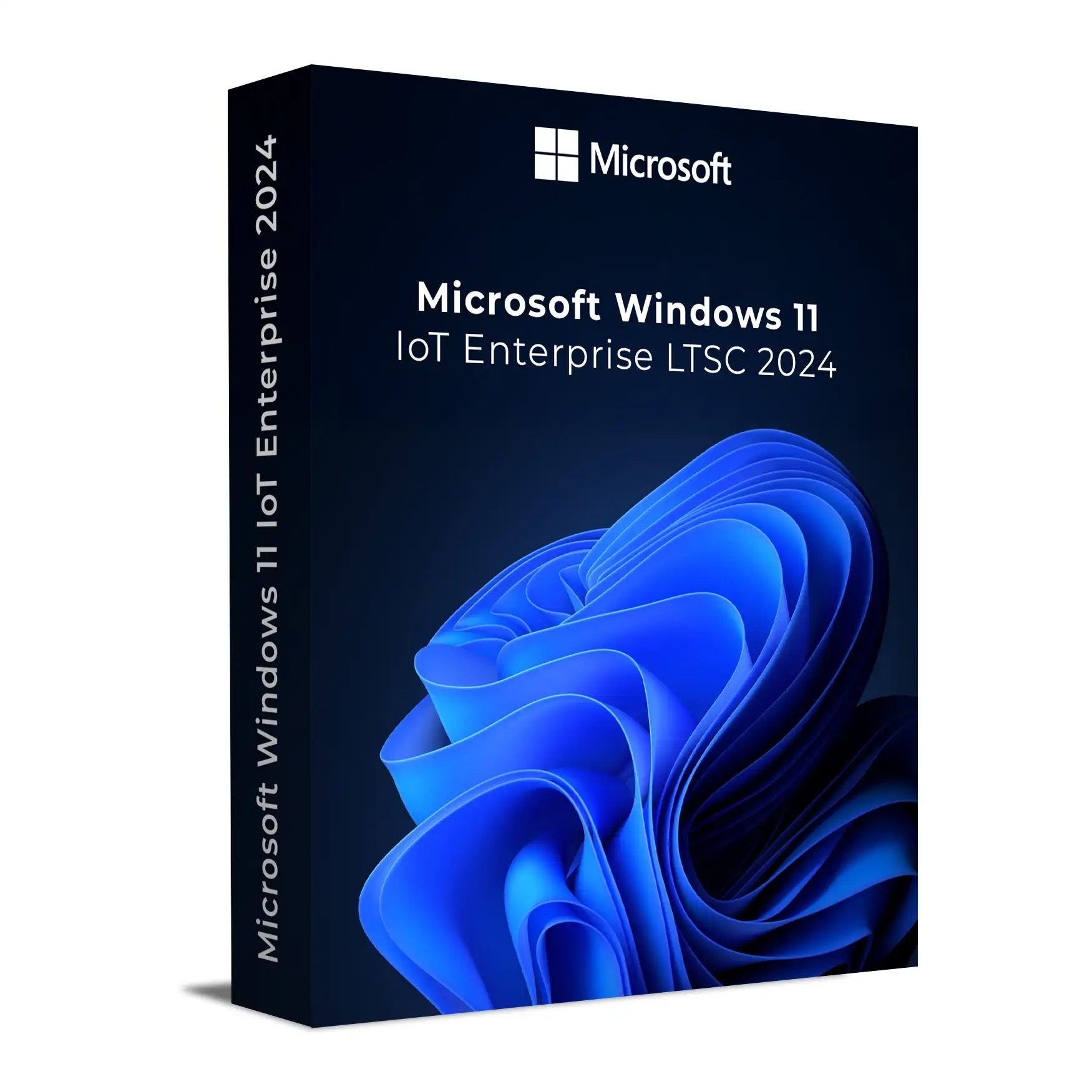
Buy Windows 11 Enterprise IoT LTSC 2024, designed for fixed-purpose and specialised devices requiring long-term stability and security. Based on Windows 11 version 24H2, it provides a 10-year servicing lifecycle. Includes a product key, fast digital delivery, installation guidance and activation support.
$ 33.08 Original price was: $ 33.08.$ 23.80Current price is: $ 23.80.
$ 46.40 Original price was: $ 46.40.$ 26.45Current price is: $ 26.45.
$ 34.34 Original price was: $ 34.34.$ 17.17Current price is: $ 17.17.
$ 46.40 Original price was: $ 46.40.$ 30.43Current price is: $ 30.43.
Buy a Windows 11 Enterprise IoT LTSC 2024 product key with digital delivery, installation guidance and activation support. This Long-Term Servicing Channel edition is designed for fixed-purpose and specialised devices where long-term stability, security and a consistent feature set are important.
It is commonly used for point-of-sale systems, kiosks, industrial systems, digital signage, thin clients and other dedicated devices across retail, manufacturing, healthcare, hospitality and similar environments.
Choose Windows 11 Enterprise IoT LTSC 2024 when your device needs to remain functionally stable for years, with security and quality updates while avoiding frequent feature upgrades. It combines Windows Enterprise security and management capabilities with features designed for specialised and fixed-purpose devices.
If you are currently using the 90-day Evaluation edition, this product key cannot be used to activate that installation. You will need to install the full Windows 11 IoT Enterprise LTSC 2024 edition before activating it with your purchased key.
For more information, see our guide: Convert or Upgrade Windows 11/10 and IoT Evaluation to Full Version – Supported Methods Explained.
Windows 11 IoT Enterprise LTSC 2024 is available for supported x64 and ARM64 platforms. Requirements can vary for specialised IoT devices, but the following specifications provide a practical baseline for general deployments:
Windows IoT Enterprise can support specialised fixed-purpose device configurations that differ from standard Windows 11 hardware requirements. Hardware, drivers and application compatibility should therefore be verified for the intended deployment.
Windows 11 IoT Enterprise LTSC 2024 is designed for long-term deployments and provides a significantly longer servicing lifecycle than standard Windows releases. This makes it particularly suitable for specialised systems where frequent operating-system feature changes are undesirable.
Windows 11 IoT Enterprise LTSC 2024 is designed primarily for specialised and fixed-purpose devices. Standard Windows 11 Pro and Windows 11 Enterprise releases are better suited to general-purpose PCs that benefit from Microsoft’s regular feature-update cycle.
Choose IoT Enterprise LTSC when minimising operating-system change and maintaining a consistent platform over an extended lifecycle are important requirements.
A clean installation is recommended when moving from an Evaluation edition or when preparing a new Windows 11 IoT Enterprise LTSC 2024 deployment. After installing the correct full edition, the product key can be entered during Windows Setup or through Settings > System > Activation.
Use the following guides if you need help preparing installation media, installing Windows or resolving an Evaluation installation:
Install the correct full edition of Windows 11 IoT Enterprise LTSC 2024 and enter your product key during Windows Setup. If Windows is already installed, go to Settings > System > Activation and select the option to change the product key.
No. The product key is intended for the full Windows 11 IoT Enterprise LTSC 2024 edition and cannot activate the 90-day Evaluation installation. If you currently have the Evaluation edition installed, you will need to install the appropriate full edition before activation.
For a typical deployment, 4 GB RAM, 64 GB or more storage and a compatible processor are recommended. Windows IoT Enterprise also supports specialised hardware configurations, so requirements can vary depending on the intended fixed-purpose device and deployment.
Windows 11 IoT Enterprise LTSC 2024 is designed primarily for specialised and fixed-purpose devices that benefit from a stable operating-system platform and long servicing lifecycle. Standard Windows 11 Enterprise is designed for broader general-purpose enterprise computing and follows Microsoft’s regular feature servicing model.
LTSC is designed to maintain a stable feature set throughout its lifecycle. It receives security and quality servicing rather than following the regular feature-update cycle used by general-purpose Windows releases.
You can create a bootable USB flash drive using Rufus and the appropriate Windows 11 IoT Enterprise LTSC 2024 installation media. Follow our step-by-step Rufus bootable USB guide.
Need help getting started? Use our step-by-step guides to install and activate Windows 11 Enterprise IoT LTSC 2024 correctly.
Learn how to install Windows 11 Enterprise IoT LTSC 2024, including how to prepare the installation media and complete a clean installation of the correct full edition.
How to Install Windows 11 Enterprise IoT LTSC 2024
Already installed Windows 11 IoT Enterprise LTSC 2024? Follow our activation guide to enter your product key and activate the full edition correctly.
How to Activate Windows 11 Enterprise IoT LTSC 2024
Need installation media? Follow our Rufus guide to create a bootable USB flash drive for Windows 11 Enterprise IoT LTSC 2024.
Create a Windows 11 Enterprise IoT LTSC 2024 Bootable USB with Rufus
Applies to: Windows 11 IoT Enterprise LTSC 2024
The following hardware requirements apply to Windows 11 IoT Enterprise LTSC 2024, also commonly searched for as Windows 11 Enterprise IoT LTSC 2024. Microsoft provides both preferred requirements for standard deployments and optional minimum requirements for specialised fixed-purpose devices.
These requirements are intended to help determine whether a device can boot, run, update and service Windows IoT Enterprise. Actual requirements may vary depending on the device configuration, applications, security features and intended deployment.
| Component | Preferred Minimum |
|---|---|
| Processor | 1 GHz or faster, 2+ cores, 64-bit CPU/SoC |
| System Memory | 4 GB |
| Storage Size | 64 GB |
| Storage Type | SSD |
| System Firmware | UEFI |
| TPM | TPM 2.0 |
| Secure Boot | Enabled |
| Graphics | DirectX 12 with WDDM 2.0 |
| Display | 9-inch diagonal, 720p HD (1280 × 720) |
Windows 11 IoT Enterprise can support specialised fixed-purpose hardware configurations below the preferred specifications. These configurations should be carefully evaluated for the intended workload and servicing requirements.
| Component | Optional Minimum |
|---|---|
| Processor | 1 GHz or faster, 2+ cores, 64-bit CPU/SoC |
| System Memory | 2 GB |
| Storage Size | 16 GB |
| Storage Type | SSD, HDD, SSHD or Flash (eMMC, SD, USB) |
| System Firmware | BIOS supported |
| TPM | Optional |
| Secure Boot | Optional |
| Graphics | DirectX 10 or no graphics requirement for supported headless configurations |
| Display | Custom size or optional depending on device configuration |
Important notes:
View the official Windows 11 IoT Enterprise system requirements on Microsoft Learn