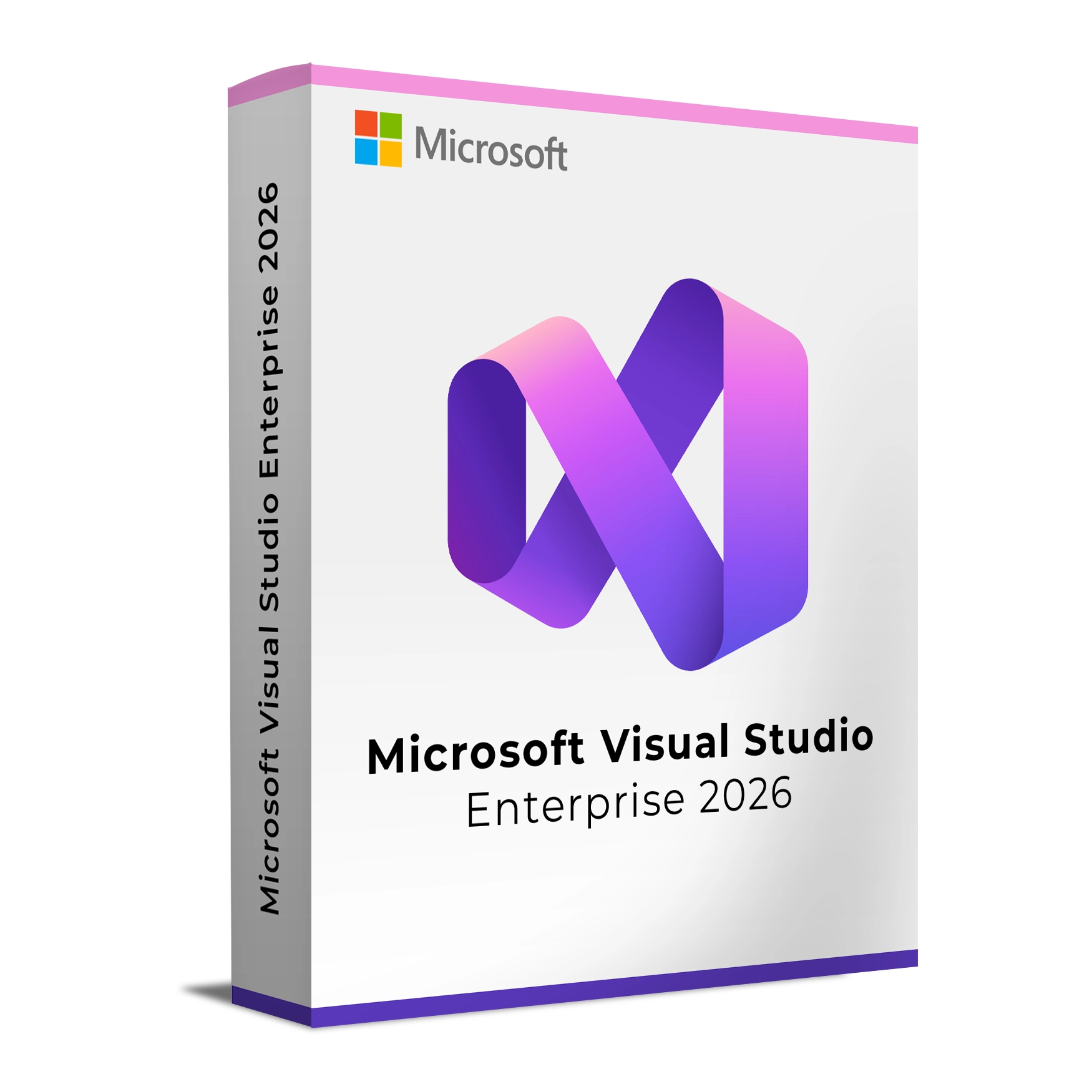
Microsoft Visual Studio Enterprise 2026 is the most powerful edition of Visual Studio, purpose-built for enterprise development teams working on mission-critical applications. It extends the capabilities of the Professional edition with advanced testing, code quality, architecture validation, and performance diagnostics to reduce risk and accelerate delivery.
With first-class support for modern languages and frameworks—including C#, .NET, C++, Python, JavaScript/TypeScript—and deep integration with Azure, GitHub, and DevOps pipelines, Visual Studio Enterprise 2026 enables organizations to build, test, and deploy secure, scalable applications across desktop, web, mobile, cloud, and gaming platforms.
Key Features & Benefits:
Advanced Debugging & Diagnostics – Comprehensive profiling, memory and performance analysis, and IntelliTrace for faster root-cause resolution.
Enterprise Testing Tools – Automated testing, unit testing at scale, and test impact analysis to ensure code quality.
Code Quality & Security – Static code analysis, architecture validation, and dependency checks to reduce technical debt.
Scalable Collaboration – Built for large teams with robust source control, code reviews, and CI/CD integration.
Cross-Platform & Cloud Development – Build for Windows, Linux, web, mobile, containers, and Azure from one IDE.
Perpetual License – One-time purchase for long-term use without subscription dependency.
Microsoft Visual Studio Enterprise 2026 is ideal for organizations that require advanced tooling, governance, and reliability across complex software lifecycles.
Installation and Activation
Installation Steps:
Download the Visual Studio Enterprise 2026 installer from the provided link.
Run the installer and select required workloads (e.g., .NET, C++, Azure, DevOps, Game Development).
Proceed with installation and allow setup to complete.
Launch Visual Studio to finalize configuration.
Activation Notes:
Enter the product key received via email after purchase.
The license is user-based and can be used across multiple devices by the same user.
💡 Your activation key and detailed setup instructions will be delivered instantly via email.
System Requirements
Operating System: Windows 10 (64-bit) version 20H2 or later, Windows 11
Processor: 1.8 GHz or faster (quad-core or better recommended)
RAM: 8 GB minimum (16–32 GB recommended for enterprise workloads)
Storage: Up to 50 GB available space depending on selected workloads
Display: 1920 x 1080 resolution or higher
Internet: Required for installation, activation, and updates
💡 Higher specifications are recommended for large solutions, containers, data-intensive apps, and game development.
Microsoft Visual Studio Enterprise 2026 is the most powerful edition of Visual Studio, purpose-built for enterprise development teams working on mission-critical applications. It extends the capabilities of the Professional edition with advanced testing, code quality, architecture validation, and performance diagnostics to reduce risk and accelerate delivery.
With first-class support for modern languages and frameworks—including C#, .NET, C++, Python, JavaScript/TypeScript—and deep integration with Azure, GitHub, and DevOps pipelines, Visual Studio Enterprise 2026 enables organizations to build, test, and deploy secure, scalable applications across desktop, web, mobile, cloud, and gaming platforms.
Key Features & Benefits:
Advanced Debugging & Diagnostics – Comprehensive profiling, memory and performance analysis, and IntelliTrace for faster root-cause resolution.
Enterprise Testing Tools – Automated testing, unit testing at scale, and test impact analysis to ensure code quality.
Code Quality & Security – Static code analysis, architecture validation, and dependency checks to reduce technical debt.
Scalable Collaboration – Built for large teams with robust source control, code reviews, and CI/CD integration.
Cross-Platform & Cloud Development – Build for Windows, Linux, web, mobile, containers, and Azure from one IDE.
Perpetual License – One-time purchase for long-term use without subscription dependency.
Microsoft Visual Studio Enterprise 2026 is ideal for organizations that require advanced tooling, governance, and reliability across complex software lifecycles.
Installation Steps:
Download the Visual Studio Enterprise 2026 installer from the provided link.
Run the installer and select required workloads (e.g., .NET, C++, Azure, DevOps, Game Development).
Proceed with installation and allow setup to complete.
Launch Visual Studio to finalize configuration.
Activation Notes:
Enter the product key received via email after purchase.
The license is user-based and can be used across multiple devices by the same user.
💡 Your activation key and detailed setup instructions will be delivered instantly via email.
Operating System: Windows 10 (64-bit) version 20H2 or later, Windows 11
Processor: 1.8 GHz or faster (quad-core or better recommended)
RAM: 8 GB minimum (16–32 GB recommended for enterprise workloads)
Storage: Up to 50 GB available space depending on selected workloads
Display: 1920 x 1080 resolution or higher
Internet: Required for installation, activation, and updates
💡 Higher specifications are recommended for large solutions, containers, data-intensive apps, and game development.